

ROSTerm for installers
- The user is on a building site — in gloves, often one-handed, on a bad connection. This is not another online shop: it needs large buttons, the fewest possible steps, a high-contrast interface and a cache that survives losing the network.
- The client keeps the catalogue in Excel. Typing hundreds of items into the admin panel by hand costs far more effort than it is worth.
- Standard online-shop mechanics do not fit: instead of an order there is a request, with its own lifecycle and its own owner on the client's side.
- Requirements arrived in iterations. The loyalty programme was rewritten several times over the project.
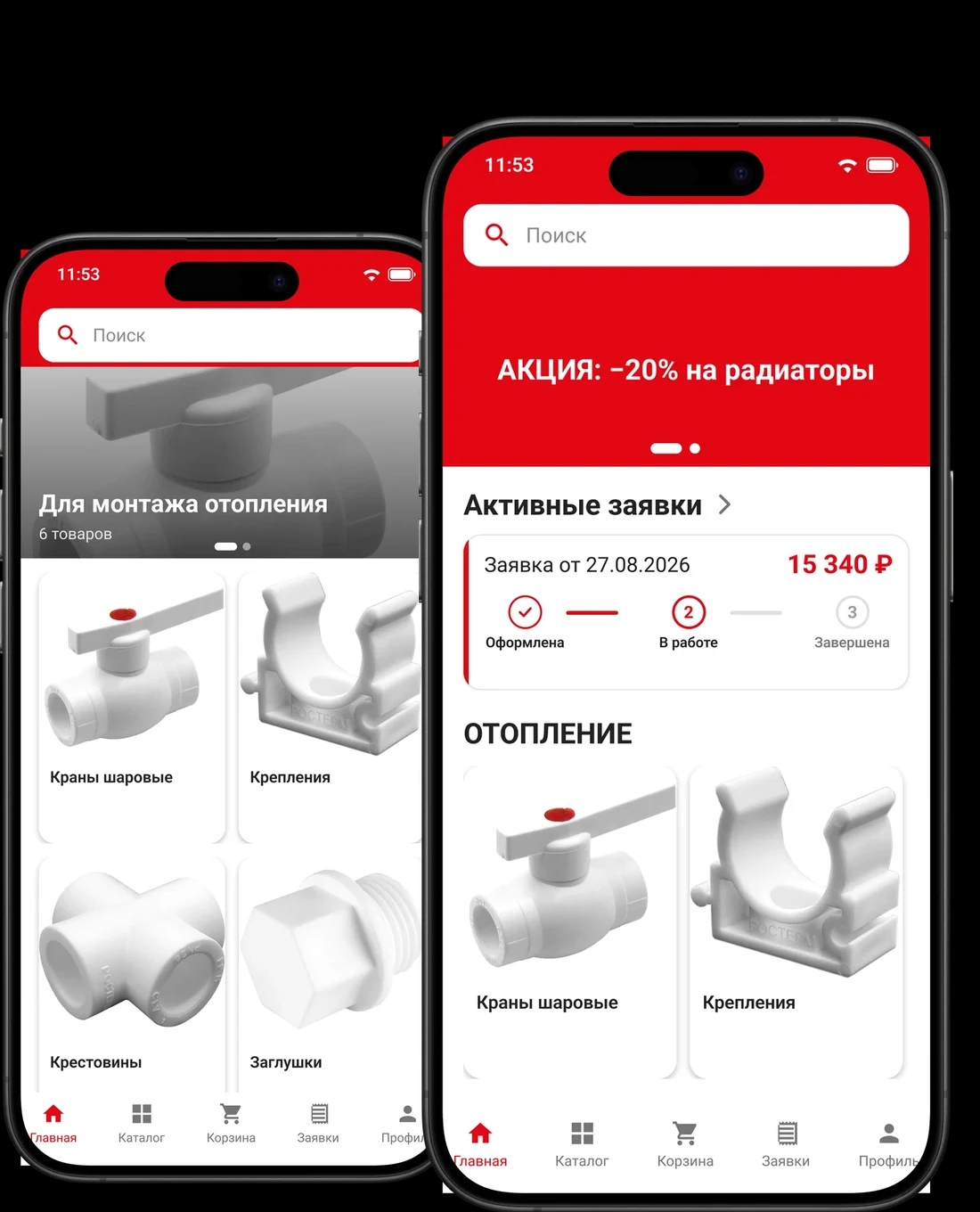
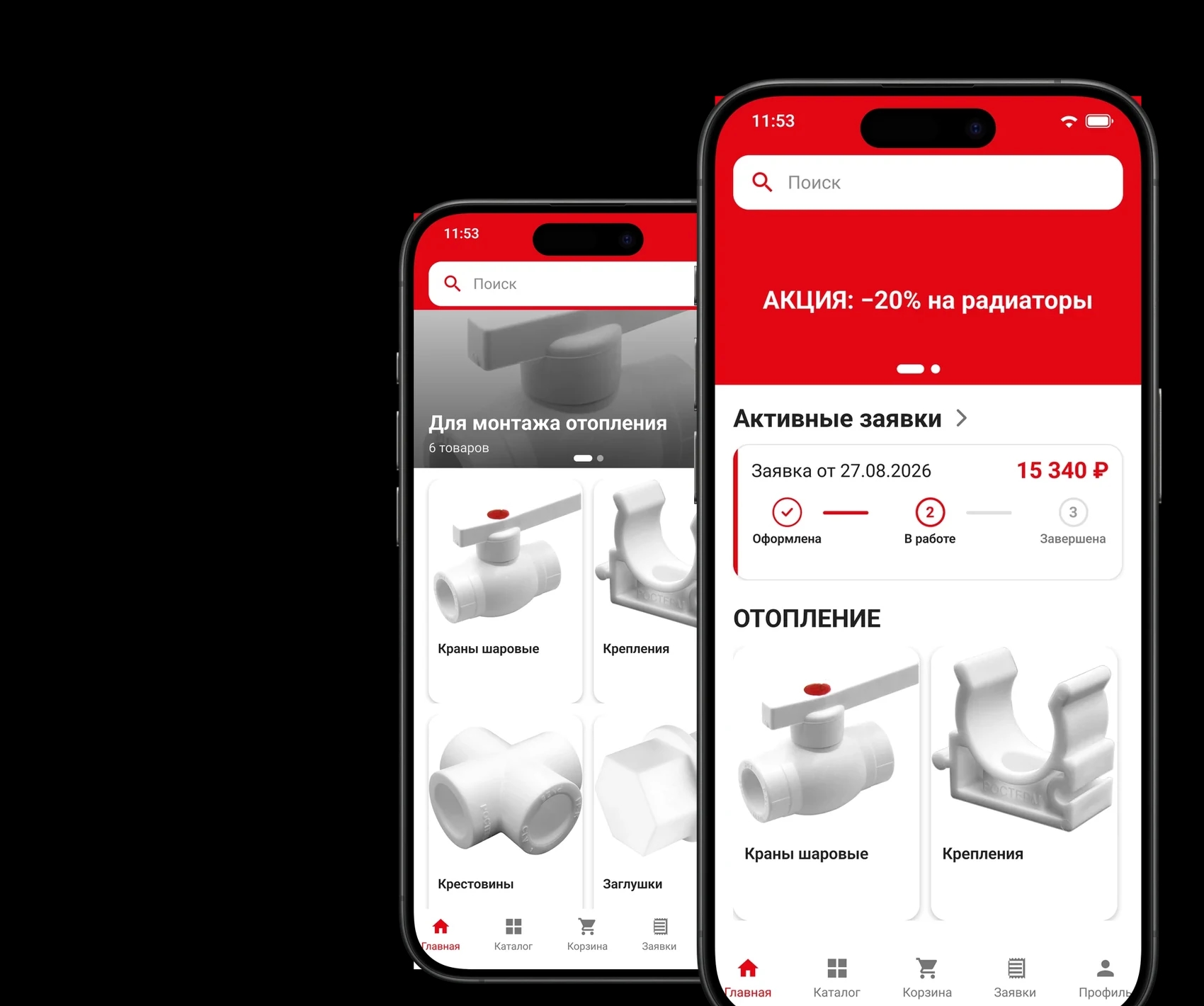
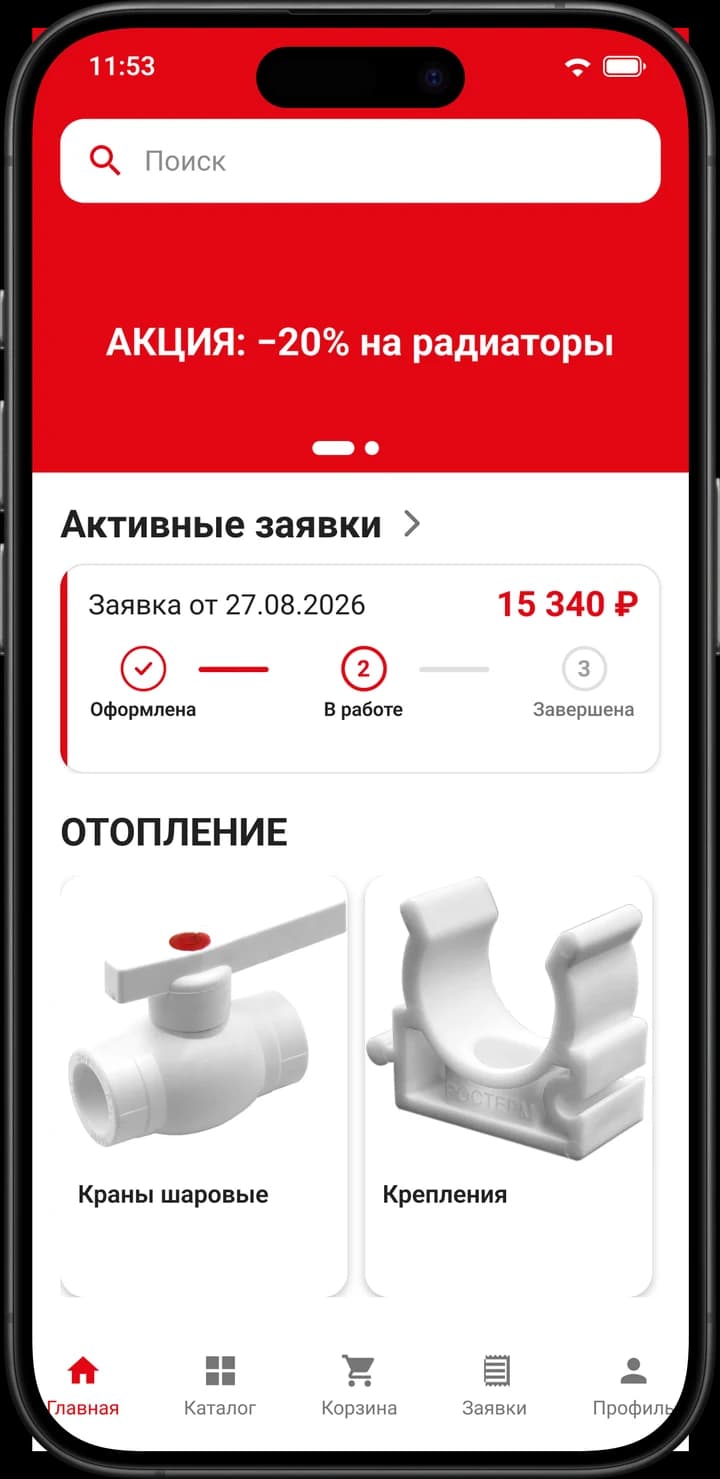
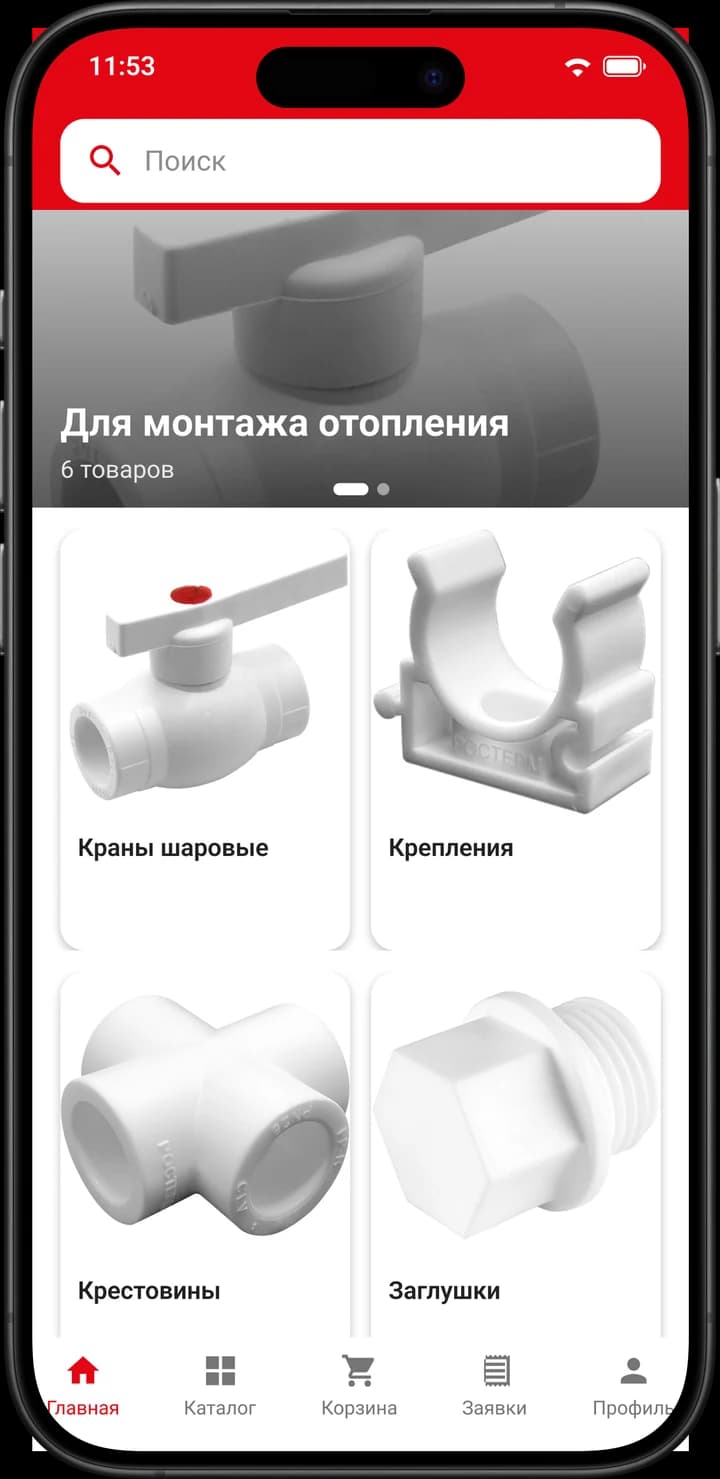
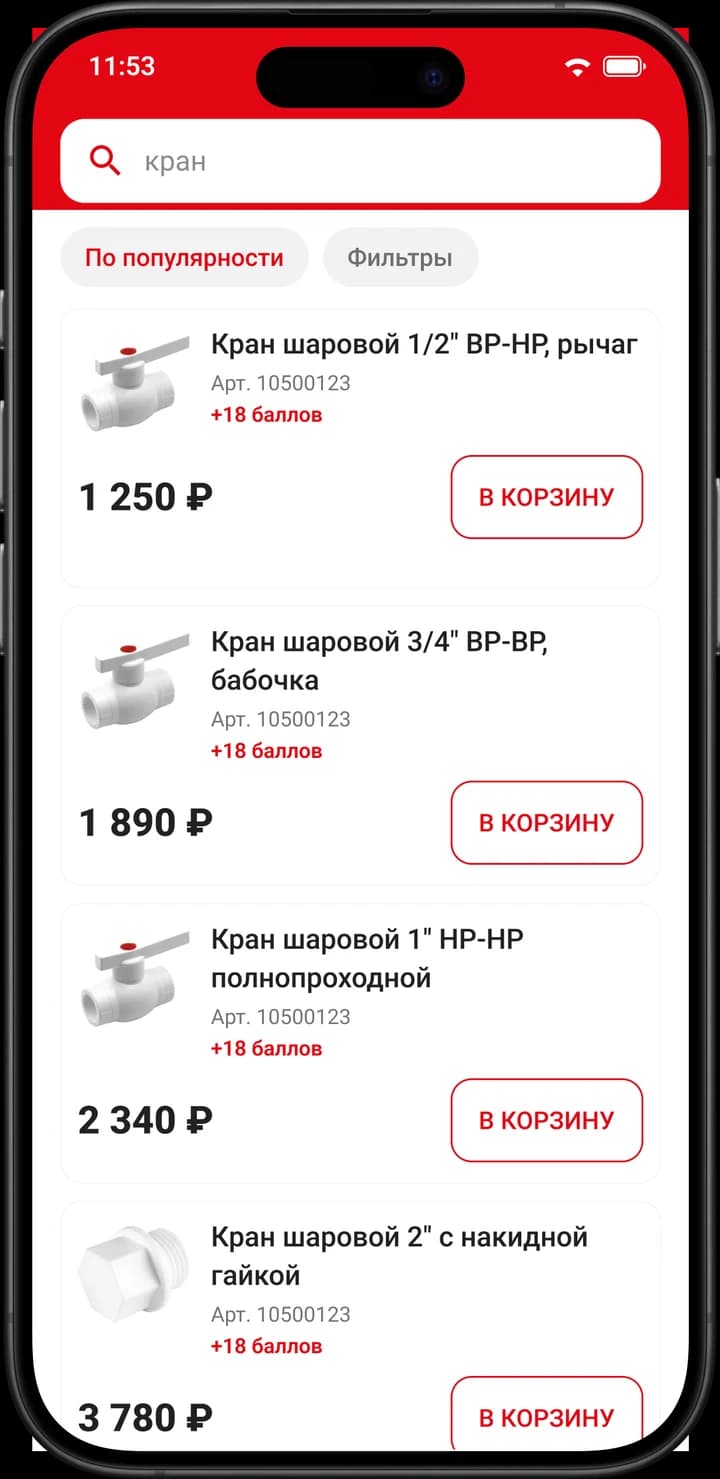
A light interface with the brand's red accent: white background, large type, and red kept for actions, prices and statuses. The screens are laid out for one-handed use — search in the header, large category tiles, and an "Add to cart" button right in the product list.
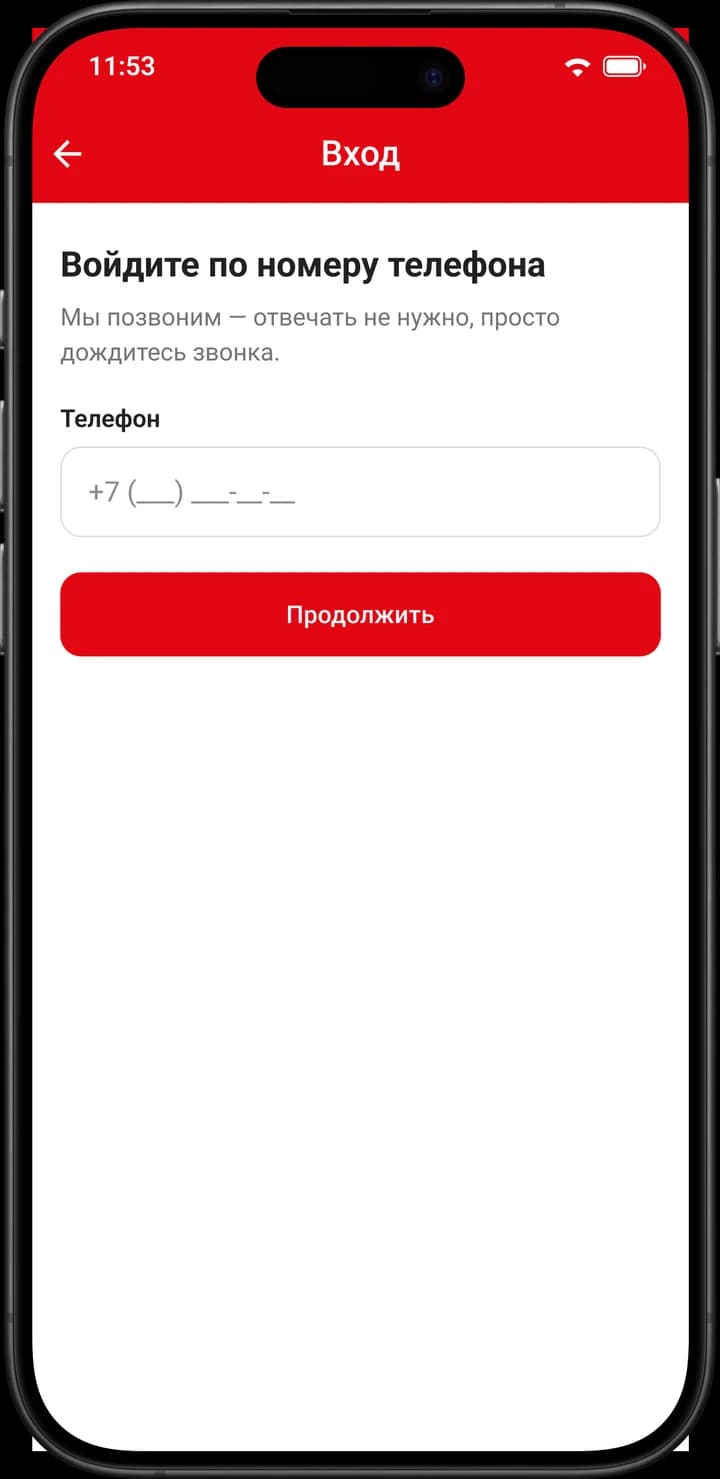
Nobody on a building site is going to recall a password, so signing in goes by phone number confirmed with a call through a telephony provider. Registration finishes with the profile: name, city and consents.
The home screen carries a carousel of promotions and new arrivals, a card for the active request with its status, and category tiles. In the catalogue, alongside the category tree, sit project collections — ready-made material lists for a typical job, put together by a manager.
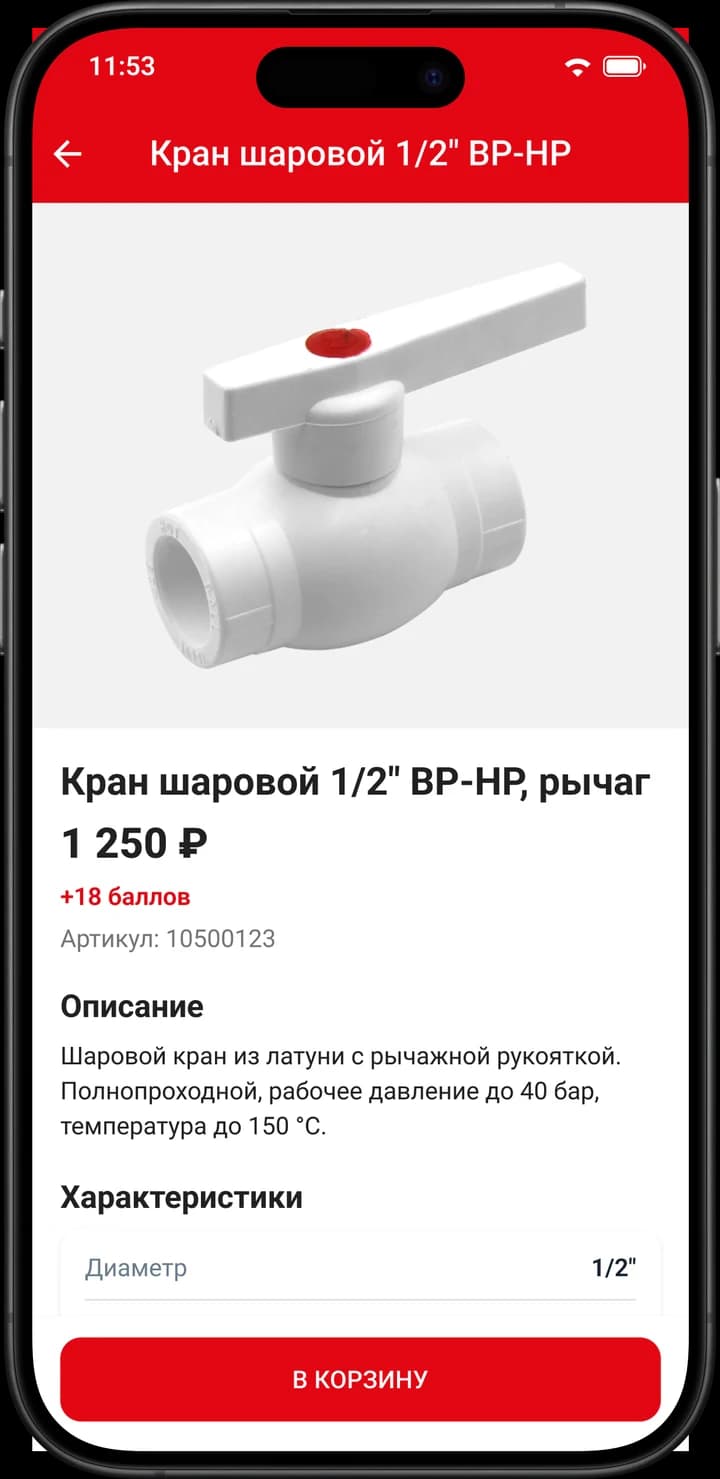
Search works on both name and article number, from the first character typed, with filters by category and price and a sort order. The product card holds a gallery with video, the description, a specifications table, PDF datasheets and the points the purchase will earn.
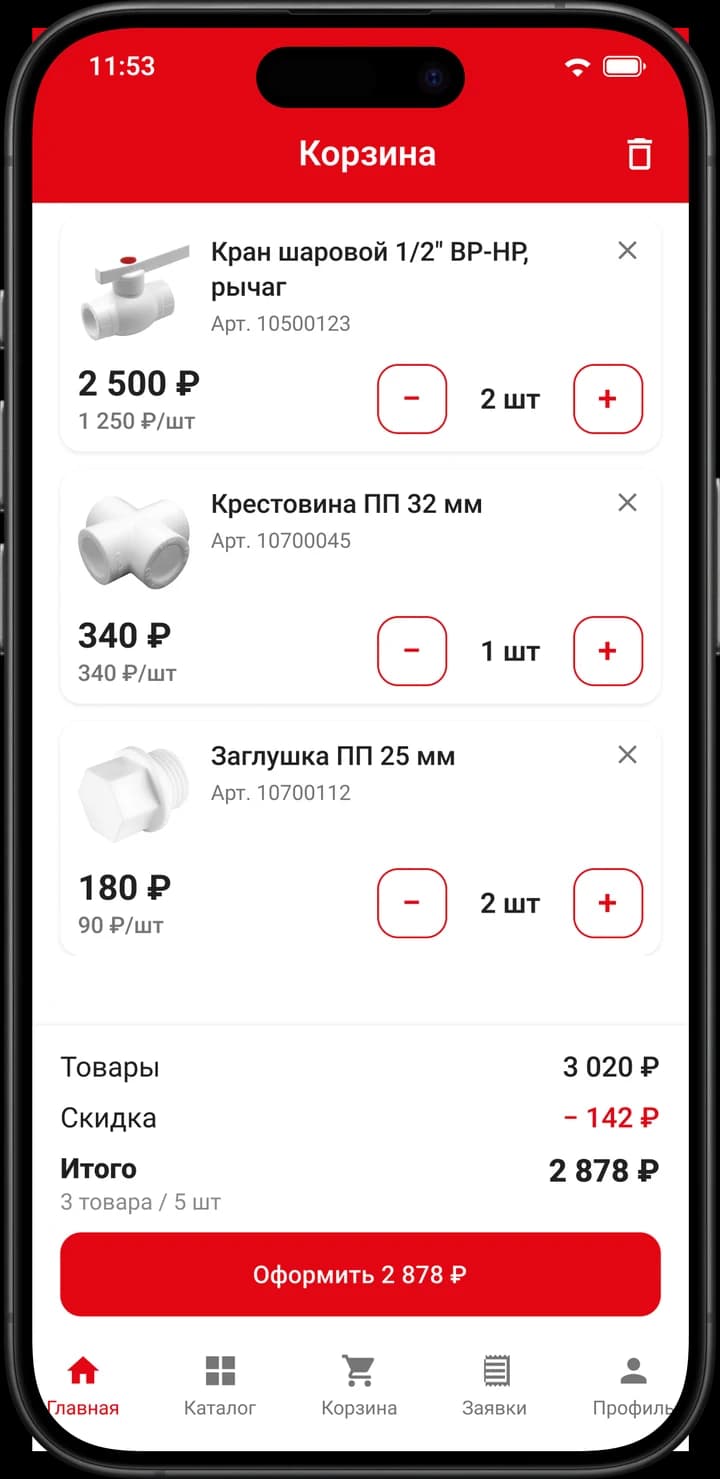
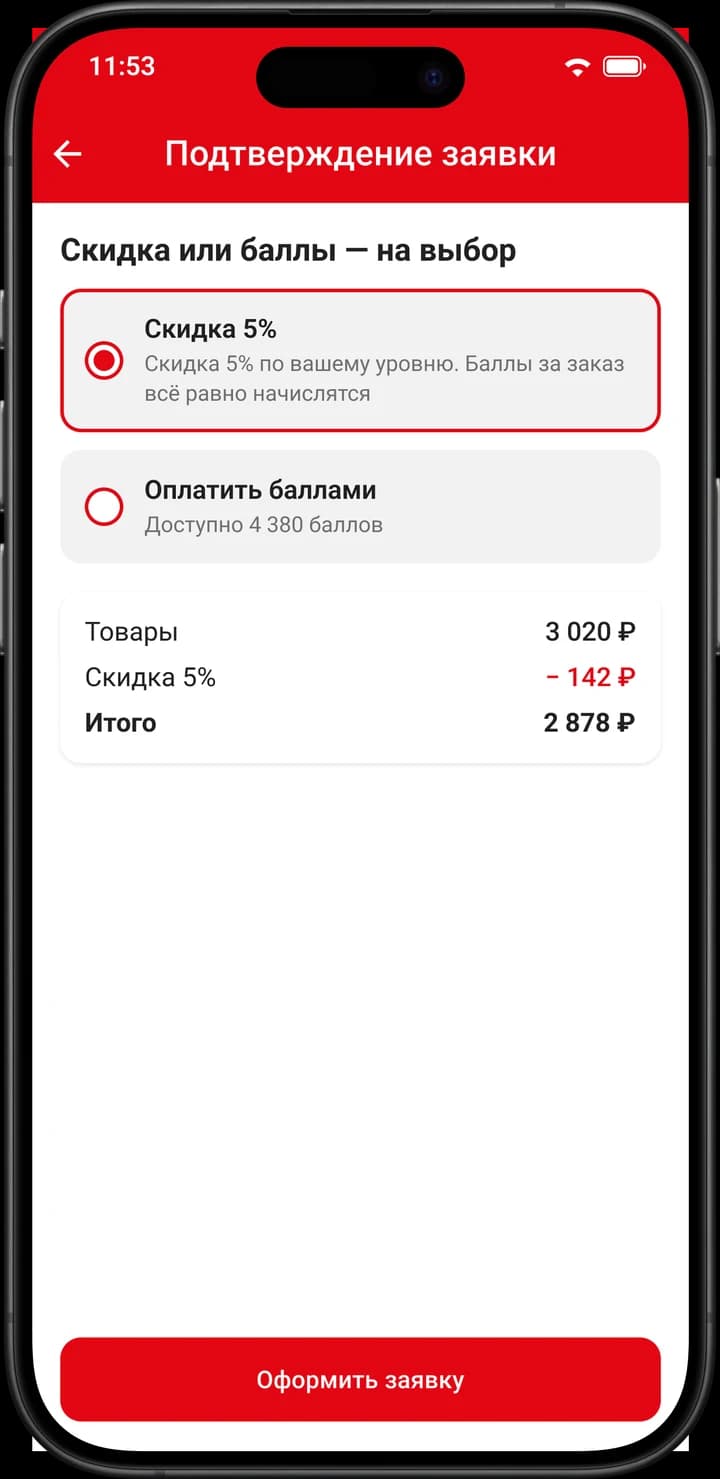
The cart lives on the device and survives an app restart. At checkout the user picks one of two — the discount for their tier or spending points; the two are never combined. What comes out is not a paid order but a request, which a manager picks up.
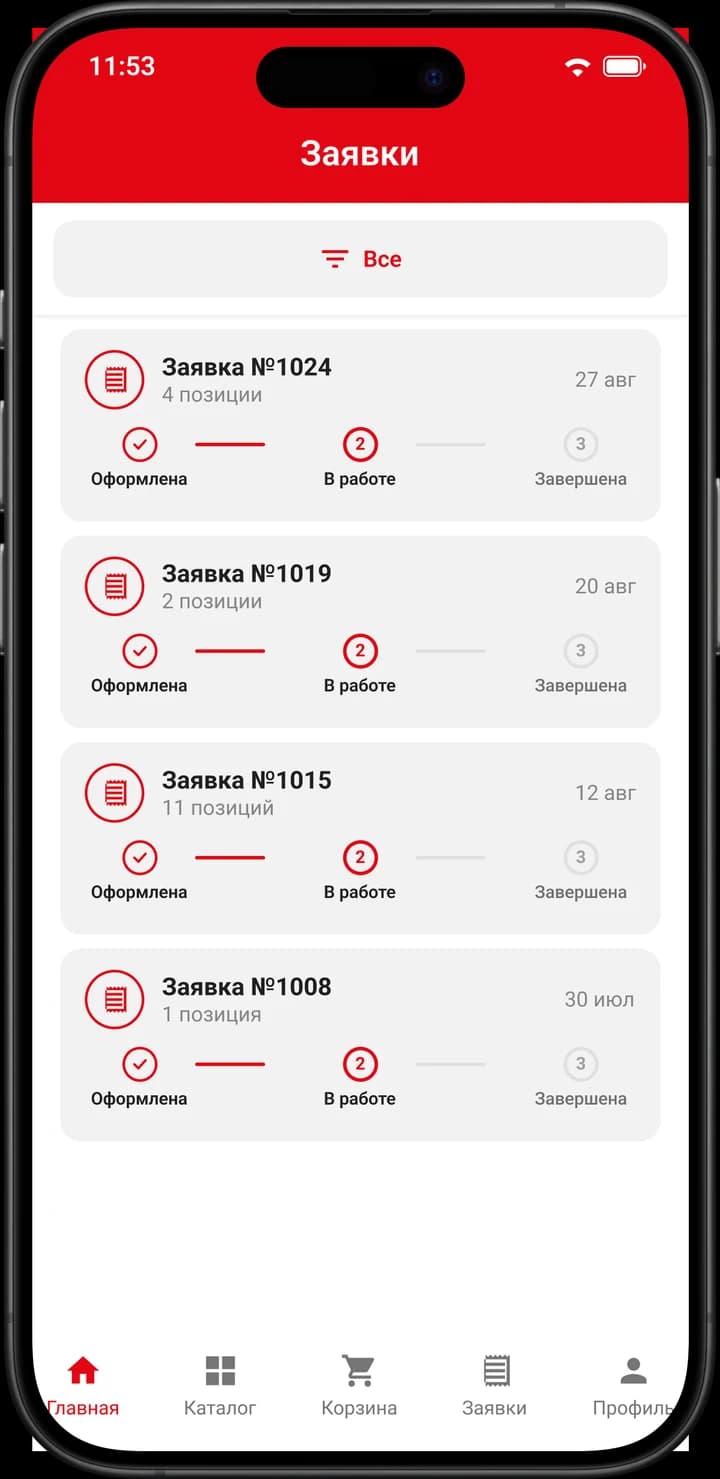
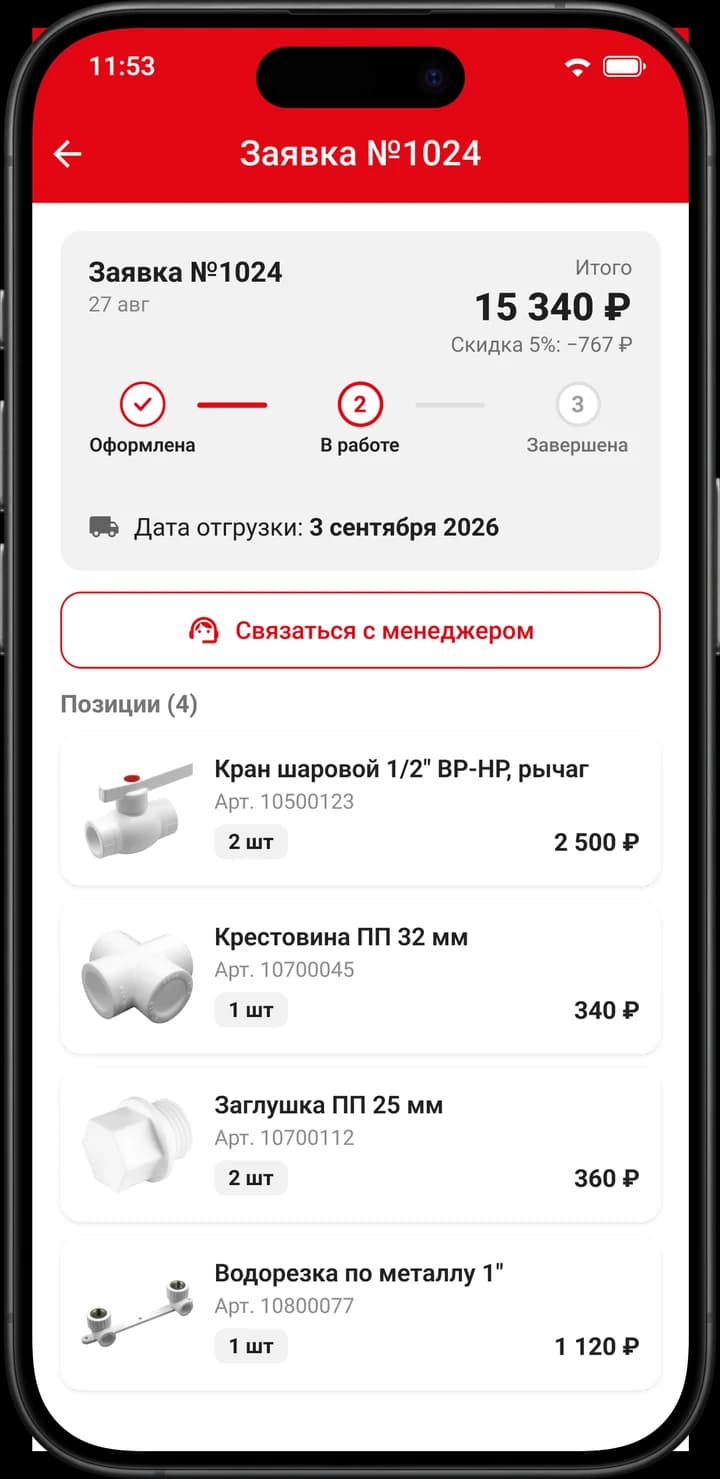
A list of requests filtered by status, and a detail screen: line items, quantities, total, the discount applied, the planned shipment date and a button to contact the manager. The manager changes the status in the admin panel and the user gets a push.
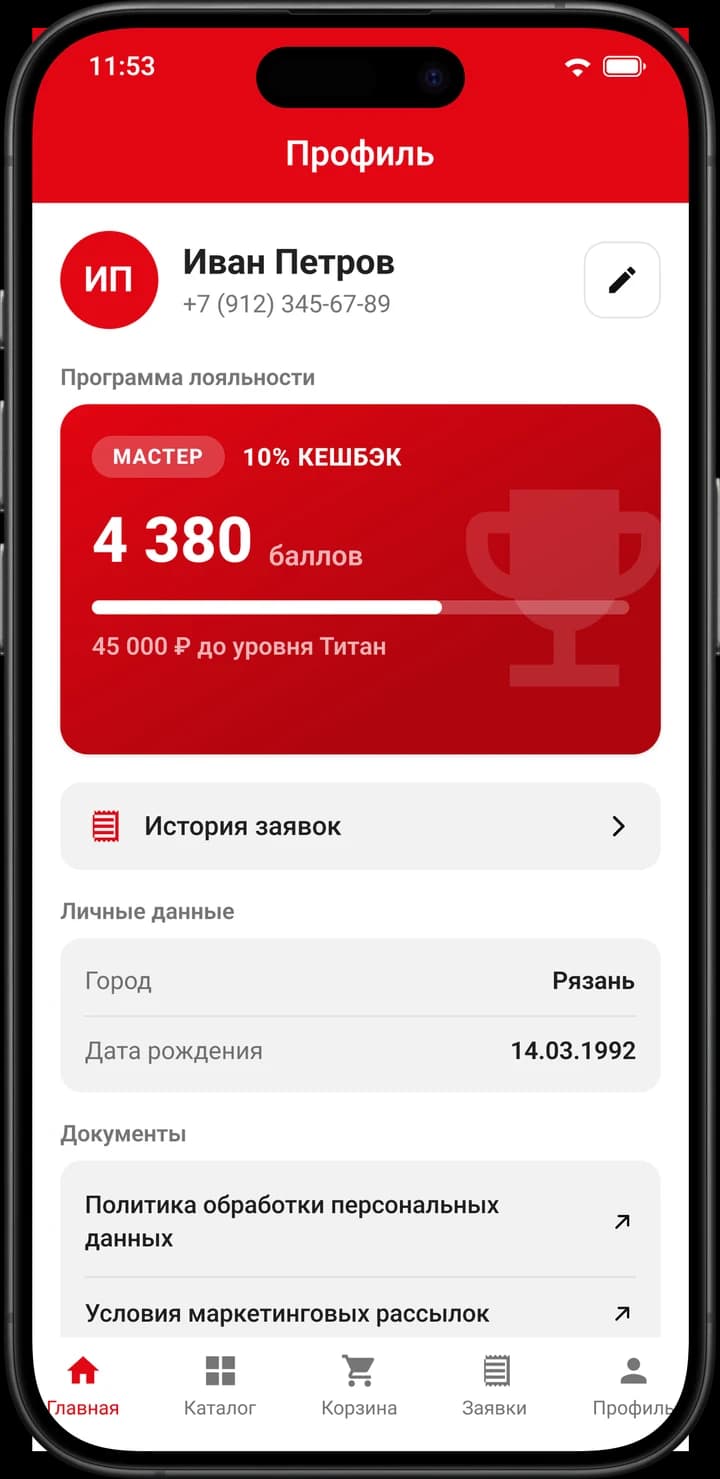
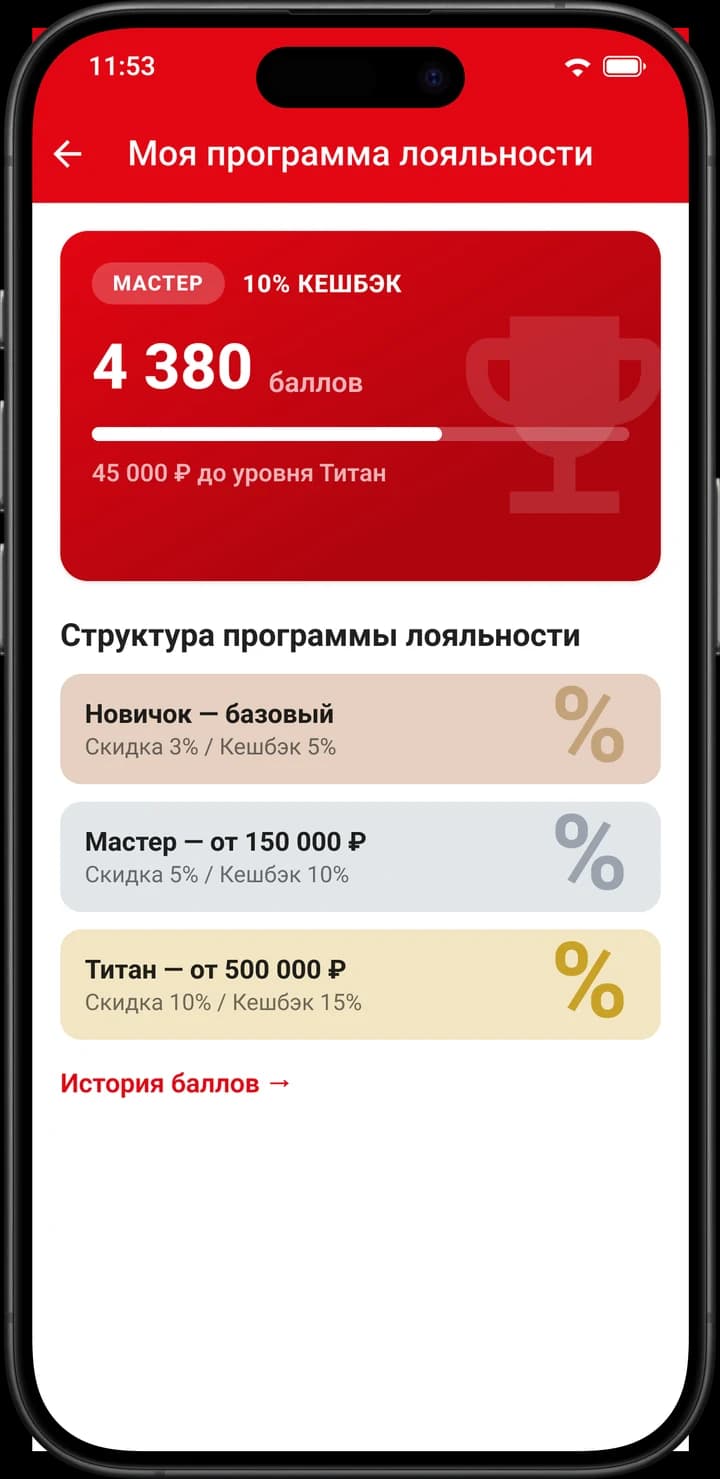
Three tiers — Novice, Master and Titan — each with its own discount and its own points cashback rate. Points become spendable 48 hours after a purchase, no more than half of a request can be covered with them, and registering earns a welcome balance.
- Running the catalogue: categories, products, specifications, photos, documents and video
- Bulk-uploading products from XLSX, with configurable column mapping and an error report
- Handling requests and changing their statuses
- Running the loyalty programme: tiers, manual awarding and deduction of points
- Managing users, administrators and the audit log
The panel is an application of its own rather than forms on the backend: it works against the same API as the mobile app and deploys independently of it.