logo
Athletes Academy project logo

Athletes Academy

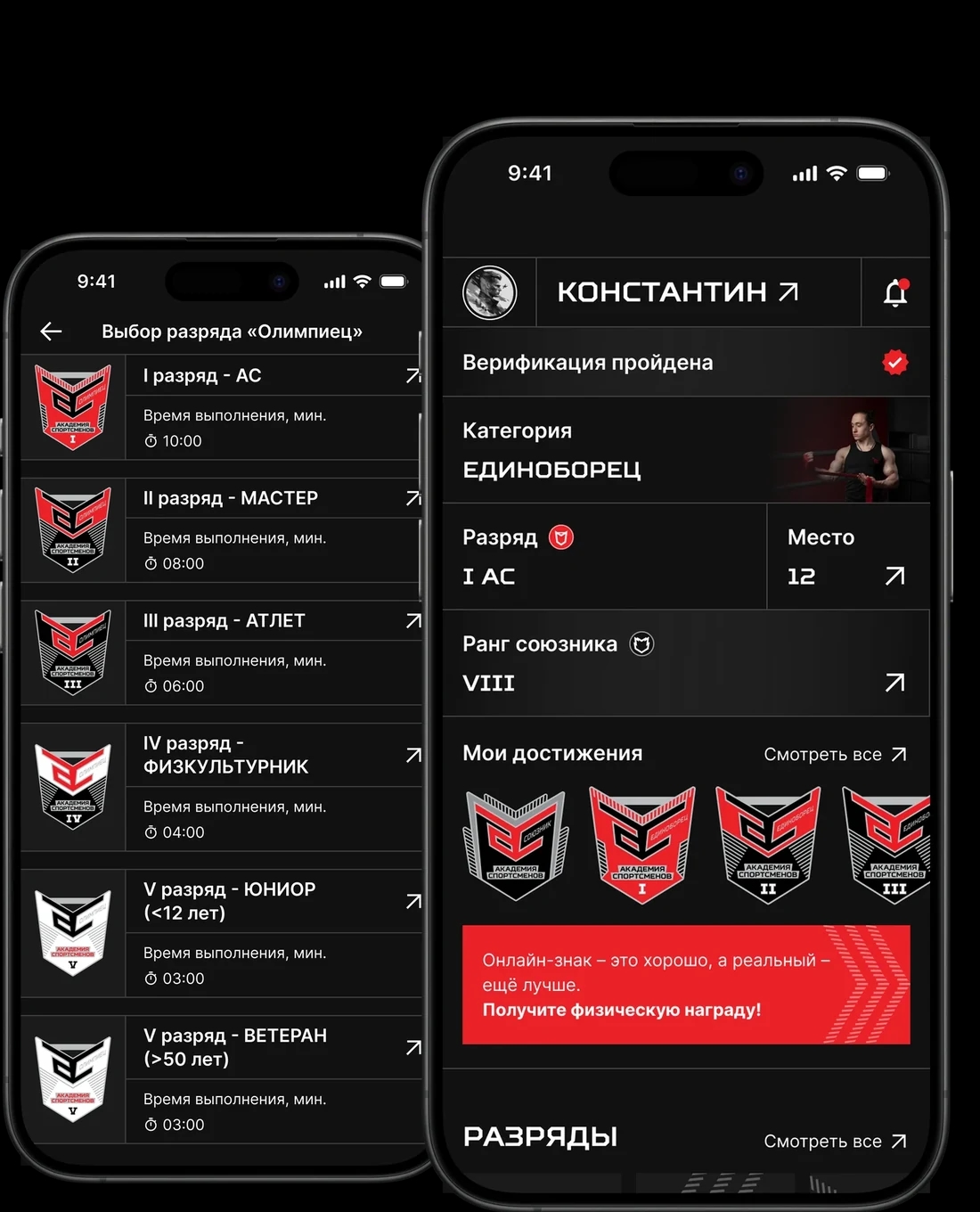
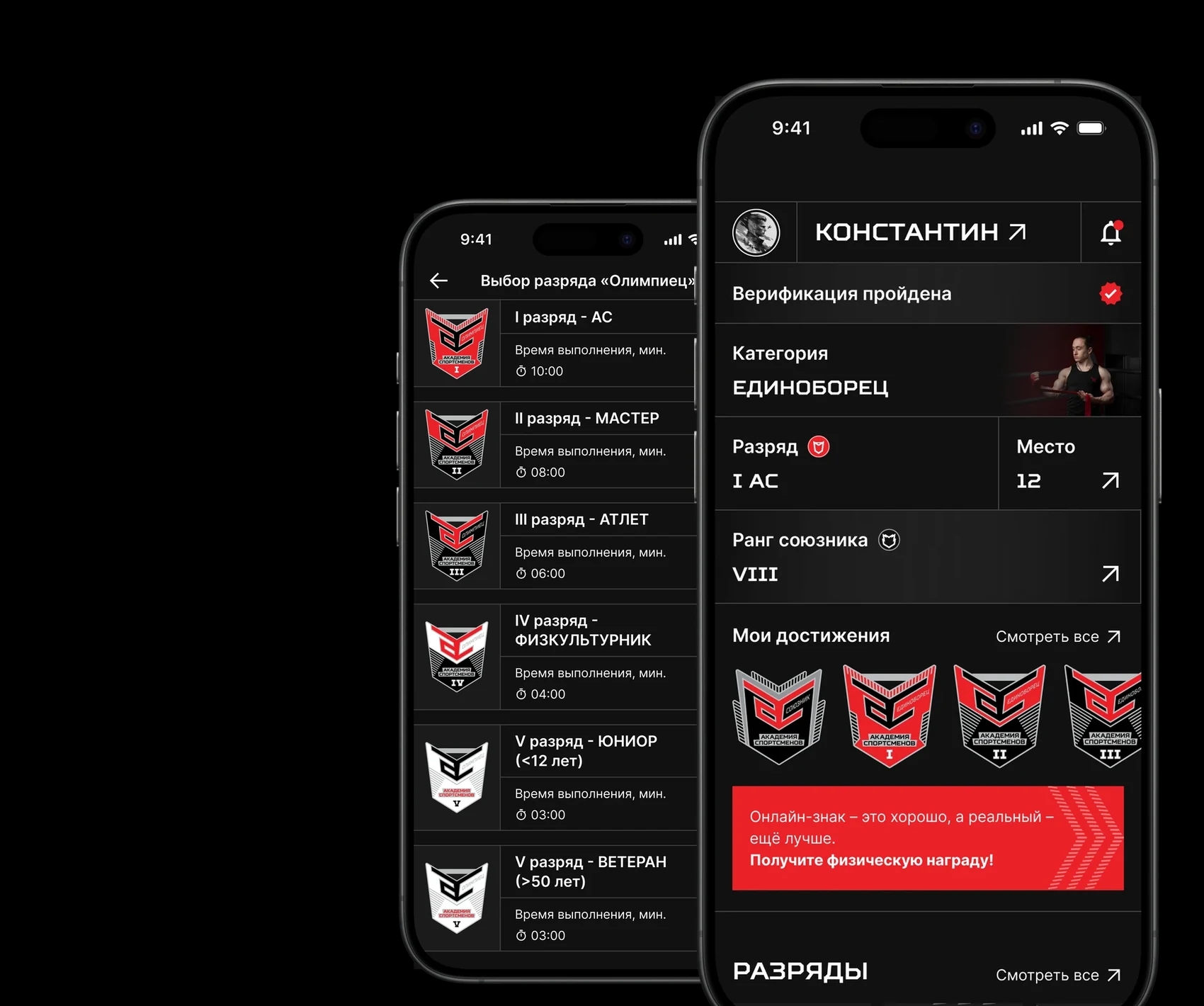
Screens of the Athletes Academy mobile app
Overview
About the project
Athletes Academy is a project for everyone who does sport and builds it: athletes, clubs and organisations. An athlete picks a category and a rank, records the exercises on video and sends it for review. Once the rank is confirmed, they get an achievement in their profile, a physical award by post and a place in the overall rating.
Task
Move the whole internal sports-rank process onto the phone — from choosing a category to reviewing the video and handing out the award. The athlete has to see which step they are on, and the moderator has to handle every submission in one place.
Solution
Two mobile apps for athletes — iOS and Android — and an admin panel for moderators, all built around a shared API.
Problems we ran into
  1. A rank is confirmed by a person, not an algorithm. The video → review → decision path had to be built so the athlete sees the status at every step instead of waiting in silence.
  2. The conditions depend on category and age. Junior under 12 and Veteran over 50 are not labels in a mockup but rules that open a rank or keep it out of reach.
  3. A physical award means logistics. The delivery address, the shipping status and a limited number of free awards all had to live inside the app.
  4. The client worked in spreadsheets, not a tracker. The backlog, the open questions and the client's own tasks were kept in shared online files, so requirements gathering and acceptance were built around them.
Project stages
Gathering functional requirements
Our analyst walked through the rank-submission scenarios with the client and wrote down the rules: which ranks each category can attempt, what happens to a submission at every step, and what the athlete sees while the video is being reviewed. Weekly calls with the client and daily team stand-ups kept the backlog current throughout the project.
Design

A dark interface with the brand's red accent: the black background does not fight the exercise videos and photos, and red is kept for actions and awards only. The mockups were drawn separately for iOS, for Android and for the admin panel.
Athletes Academy app screen
Development
Mobile apps and admin panel
iOS and Android were developed in parallel against a shared API, and the admin panel shipped as a separate web service. The API is documented in Swagger and the test cases live in TestIT, so the mobile team and the testers work from one source of truth for every scenario.
Across those stages we built an app that covers:
Athlete profile and verification

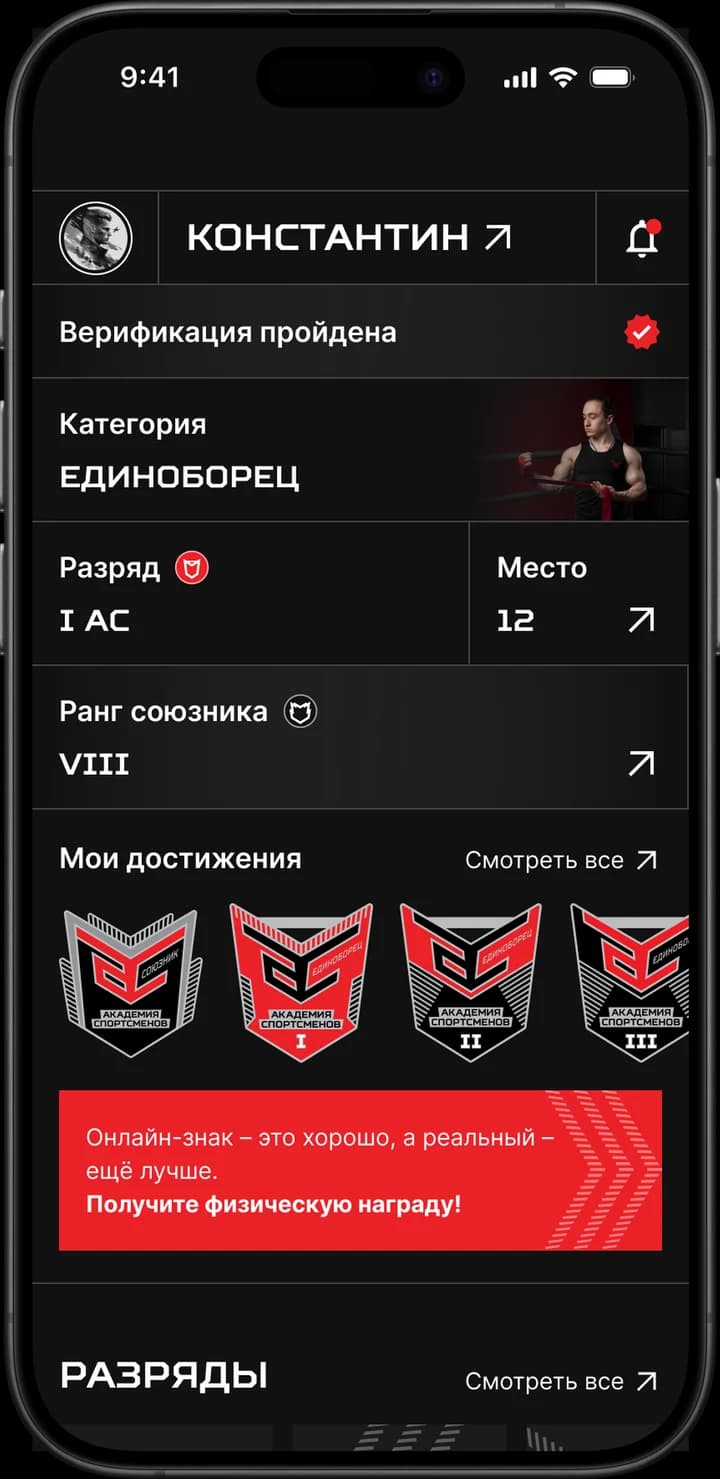
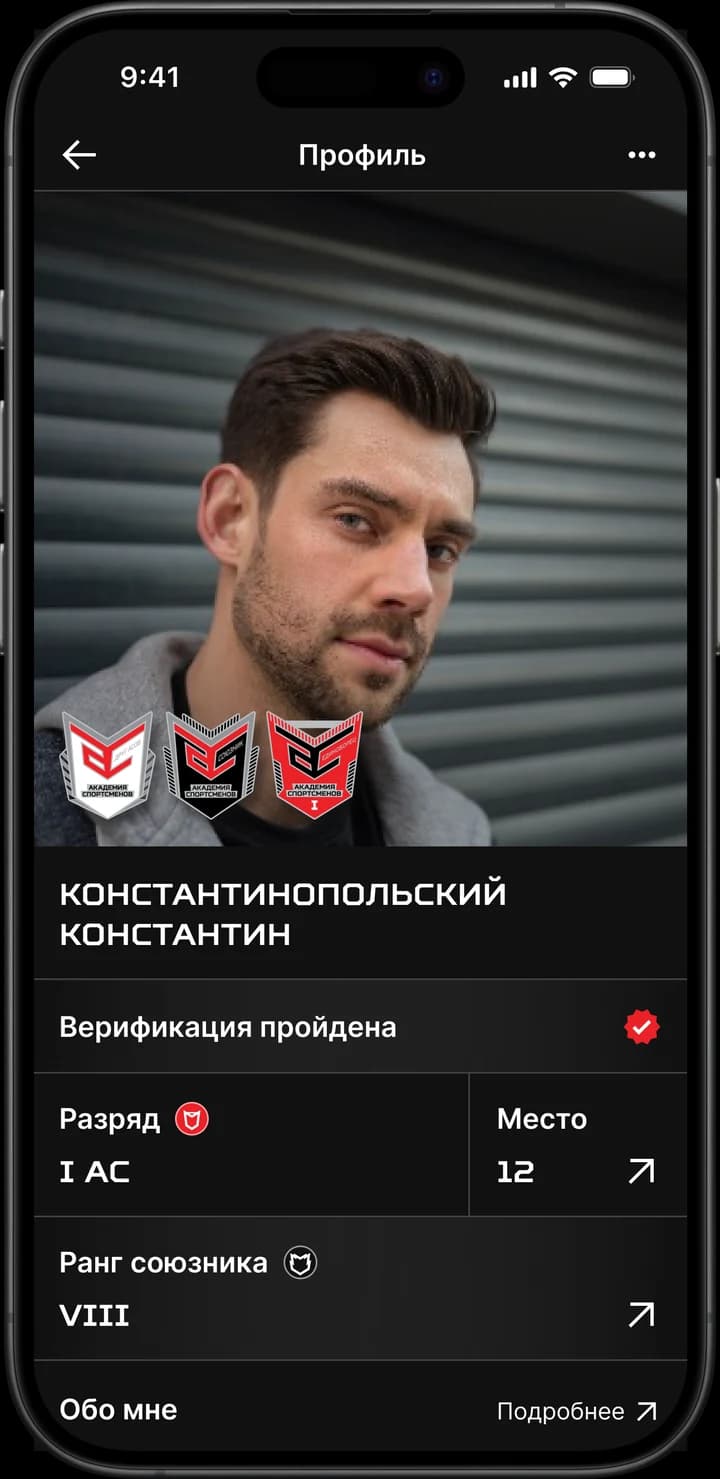
The home screen holds the athlete's whole status: category, current rank, position in the rating, ally rank and the achievements earned so far. Until verification is done the app says so outright and leads to the next step instead of hiding the status in settings.
Athletes Academy app screen
Ranks and their conditions

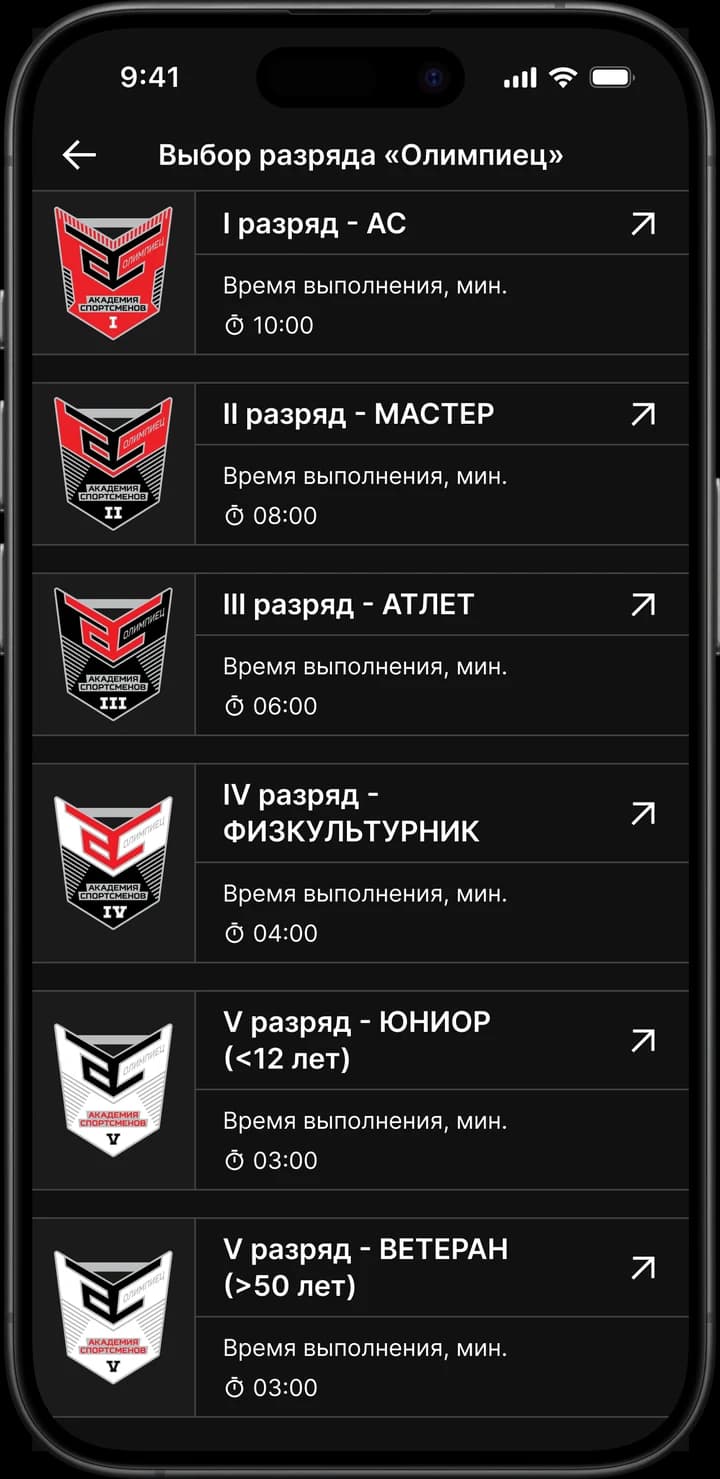
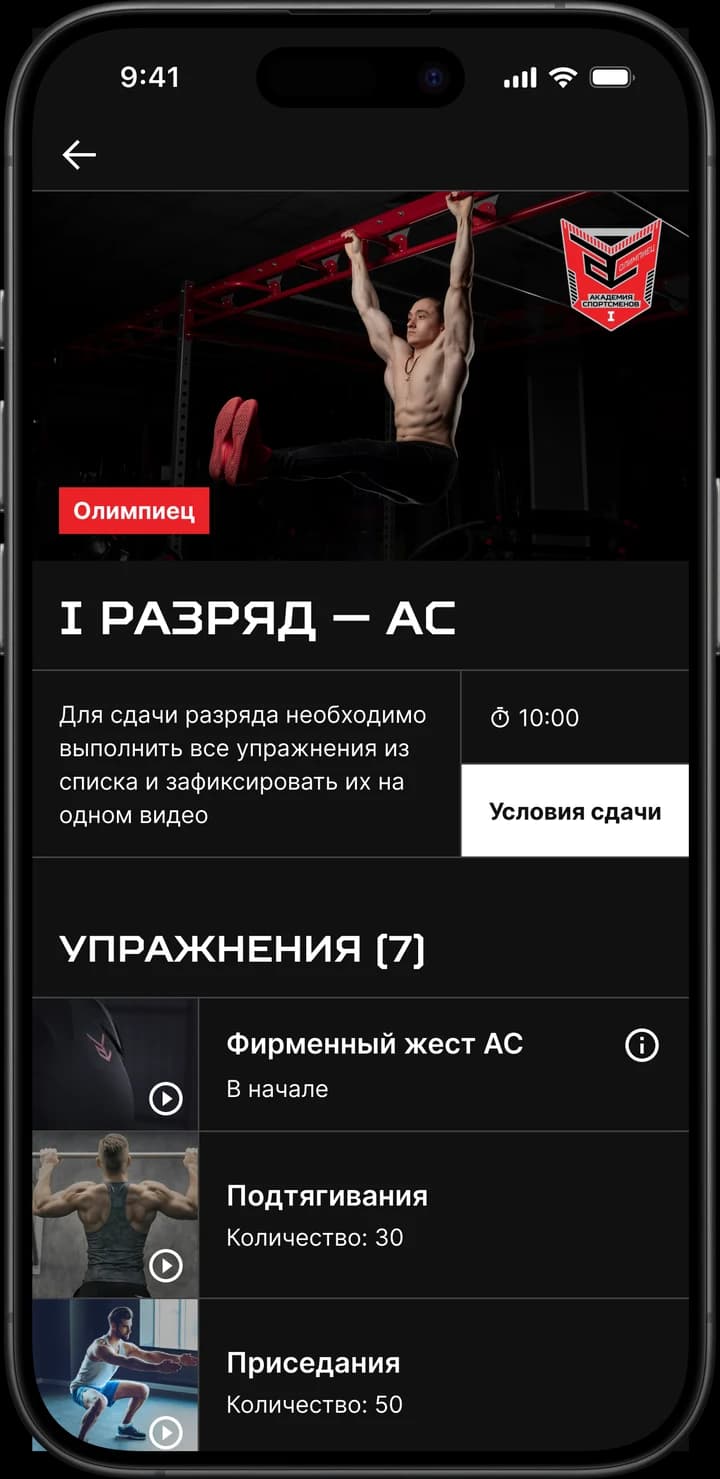
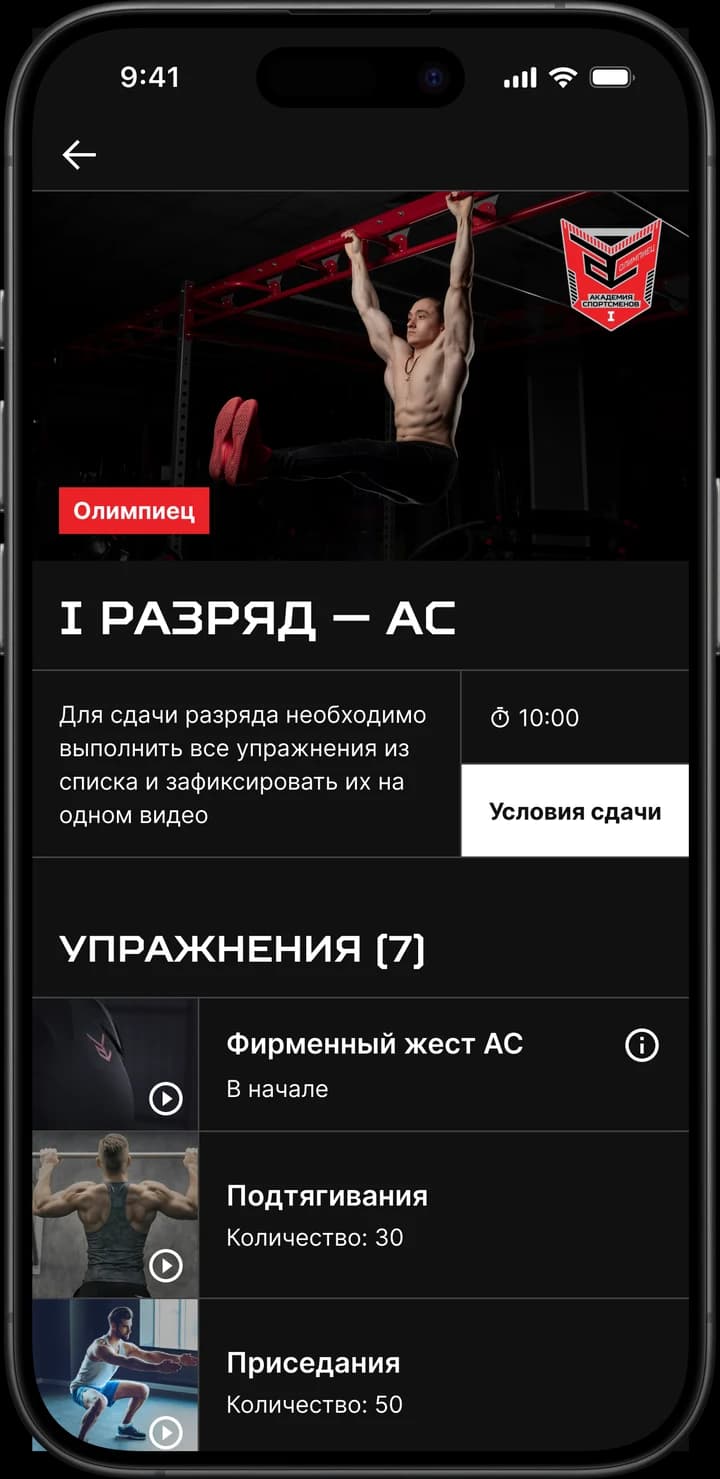
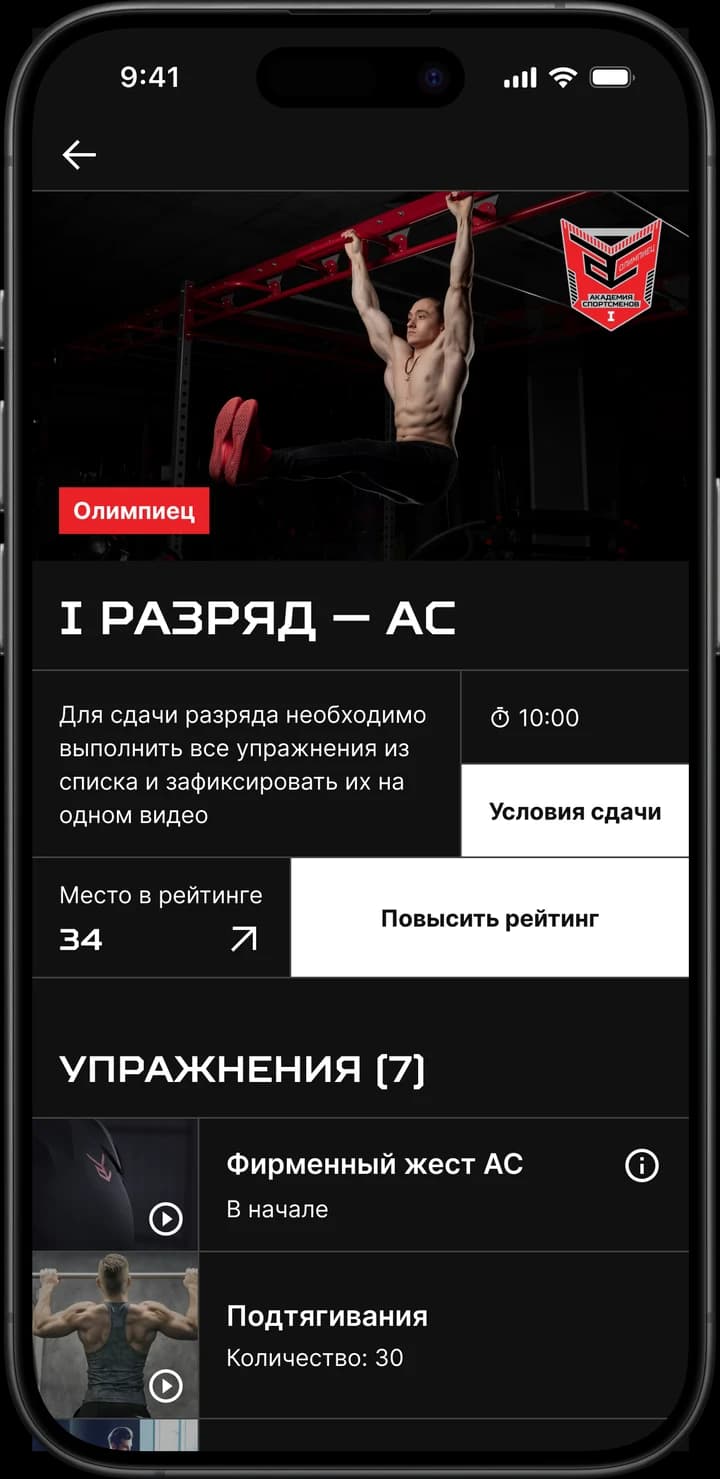
Ranks are grouped by category — Olympian and Combat Athlete — from I to V, plus junior and veteran. A rank card lists the exercises with their time and repetition targets, and the general conditions get a screen of their own.

Athletes Academy app screen
Submitting a rank on video

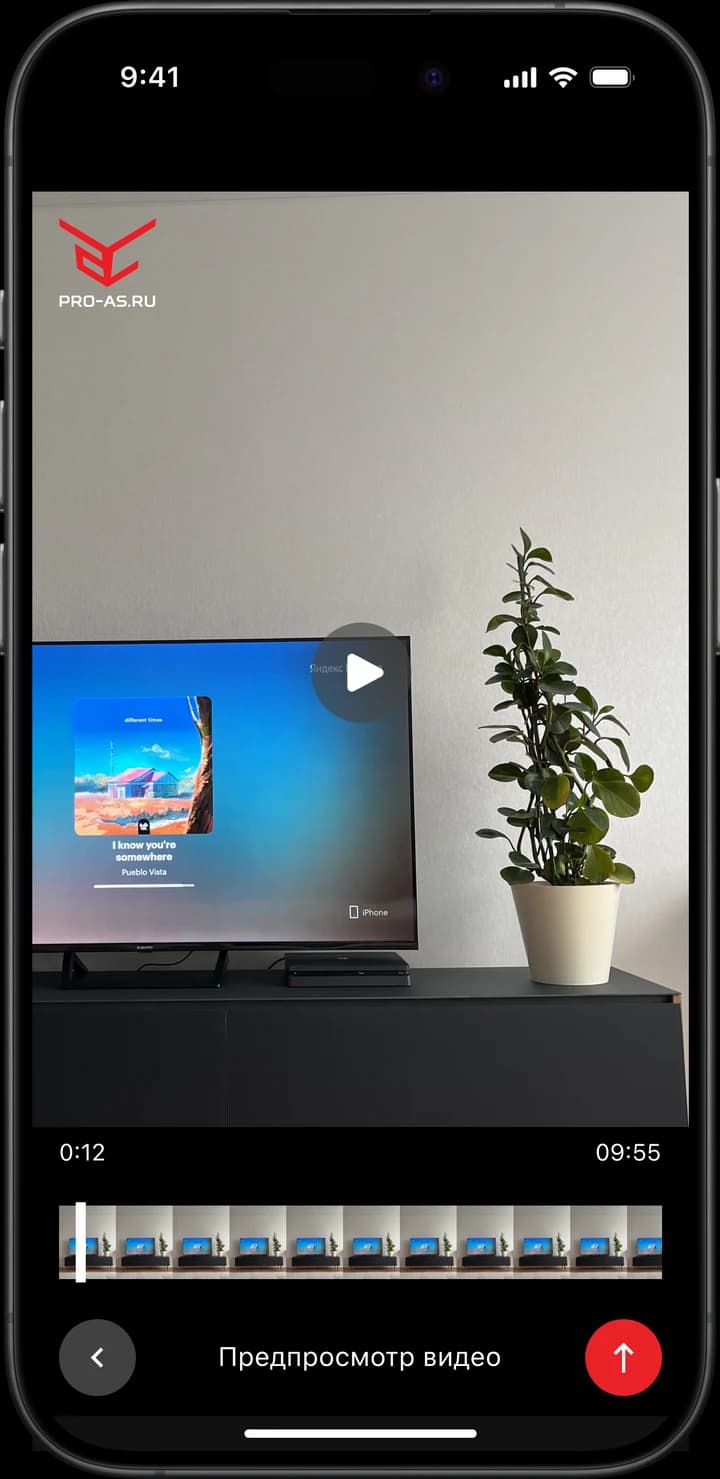
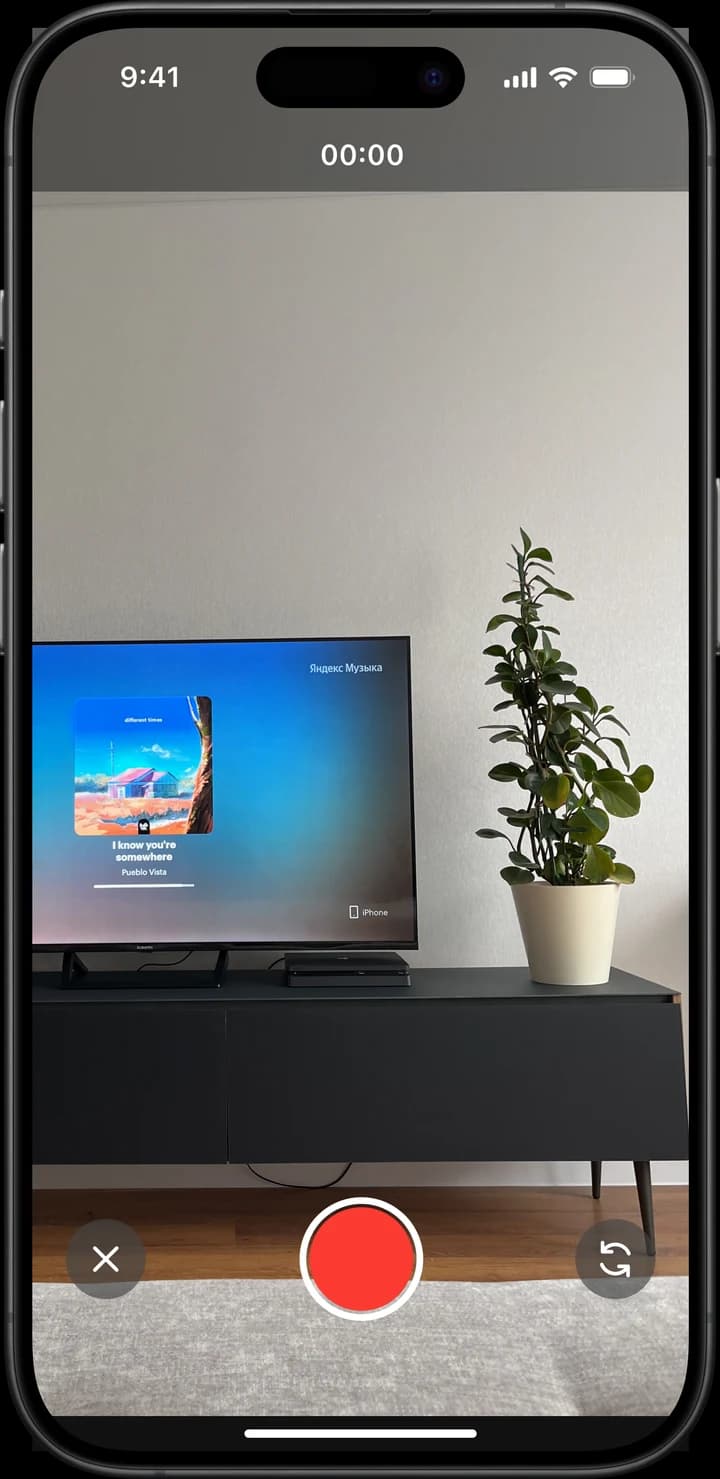
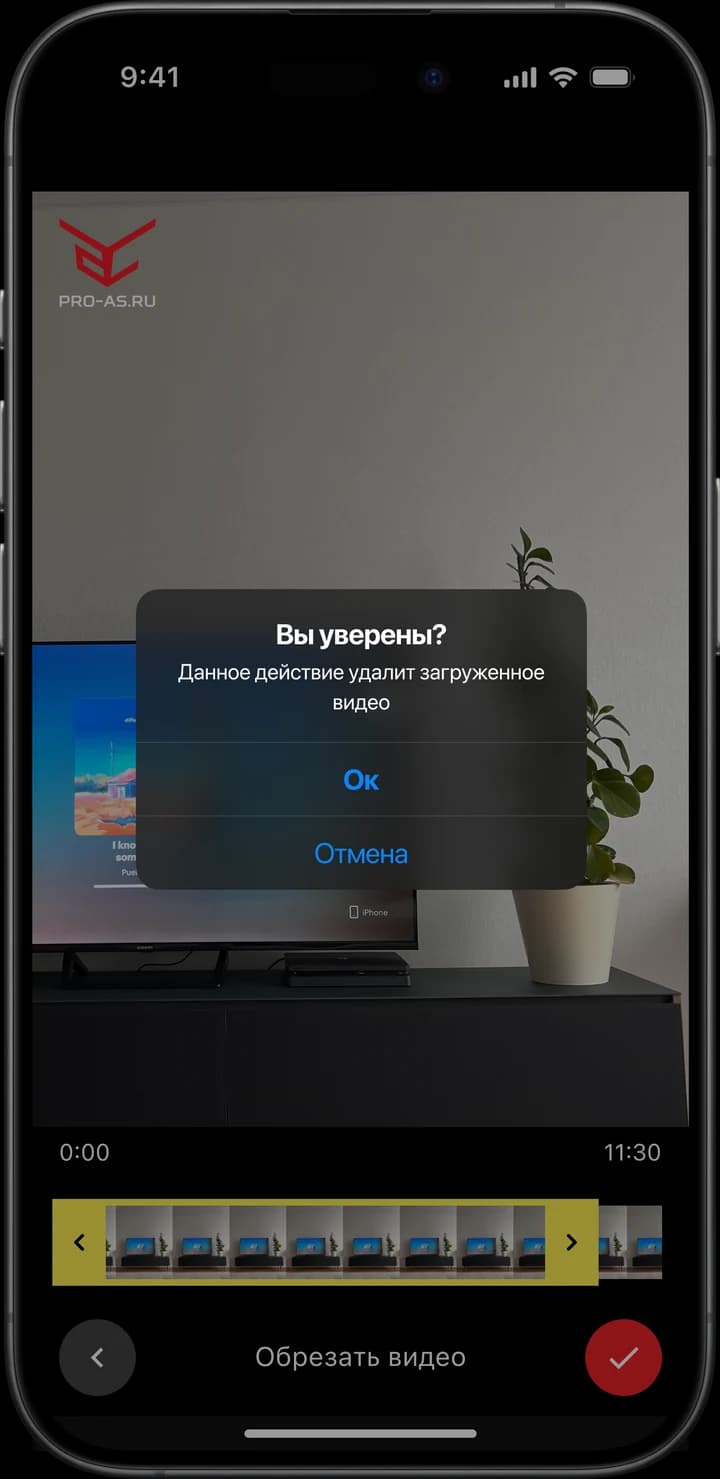
Every exercise goes on a single video. Recording, trimming and previewing all happen inside the app, so the athlete never has to prepare the file in a separate tool.
Athletes Academy app screen
Submission review

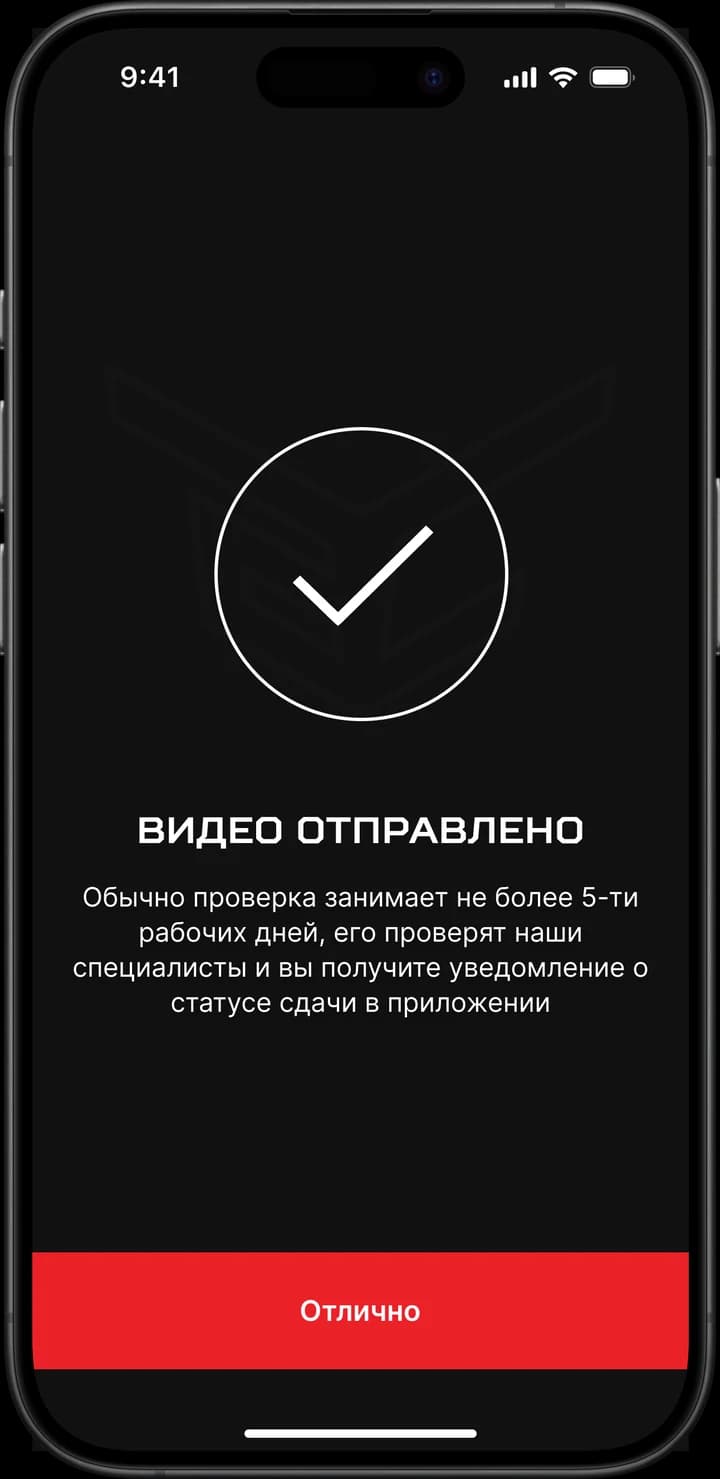
After sending the video the athlete sees the review deadline and gets a notification with the decision. Resubmitting, waiting out the next attempt and applying for a higher rank are states of the same card, not separate screens.
Athletes Academy app screen
Achievements and the physical award

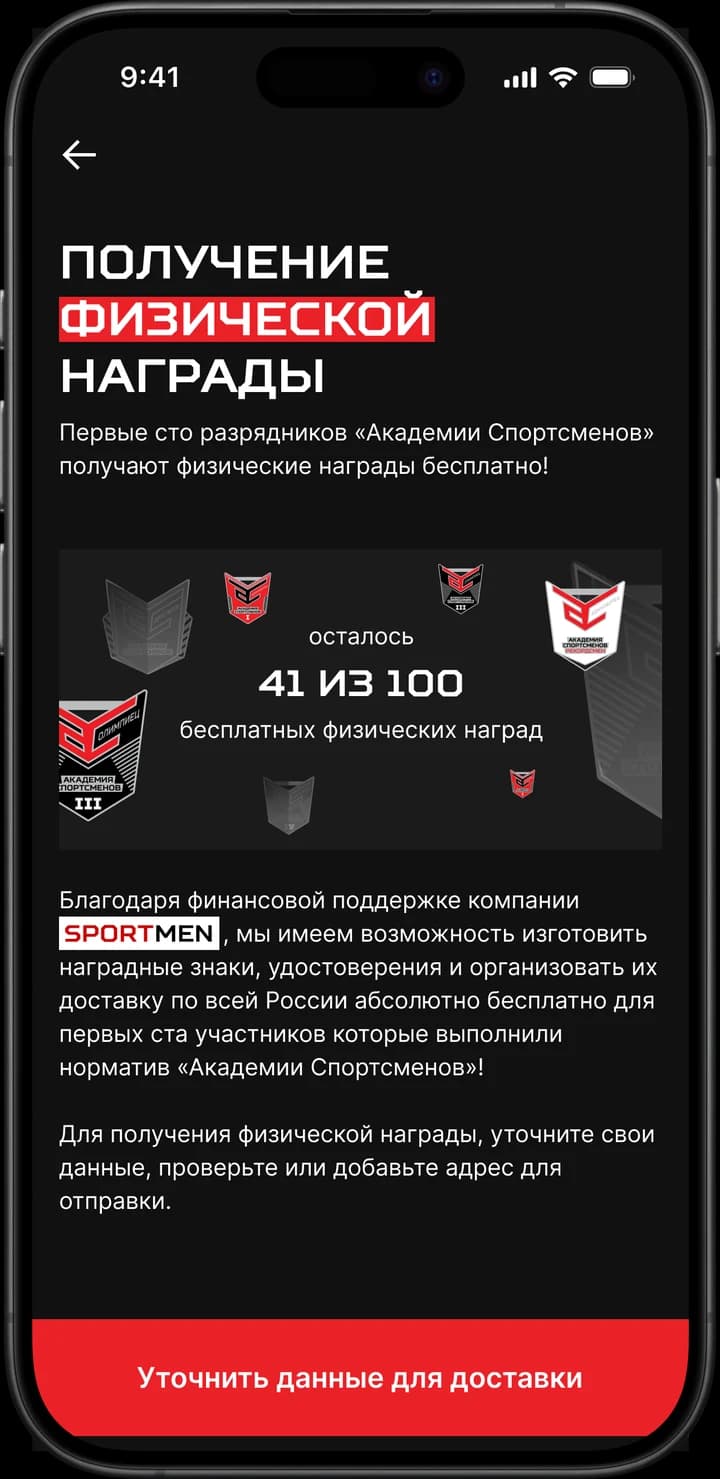
A confirmed rank becomes an achievement in the profile. The first hundred participants get a physical award for free — the counter of remaining awards and the delivery details sit on the same screen.
Athletes Academy app screen
Rating and public profile

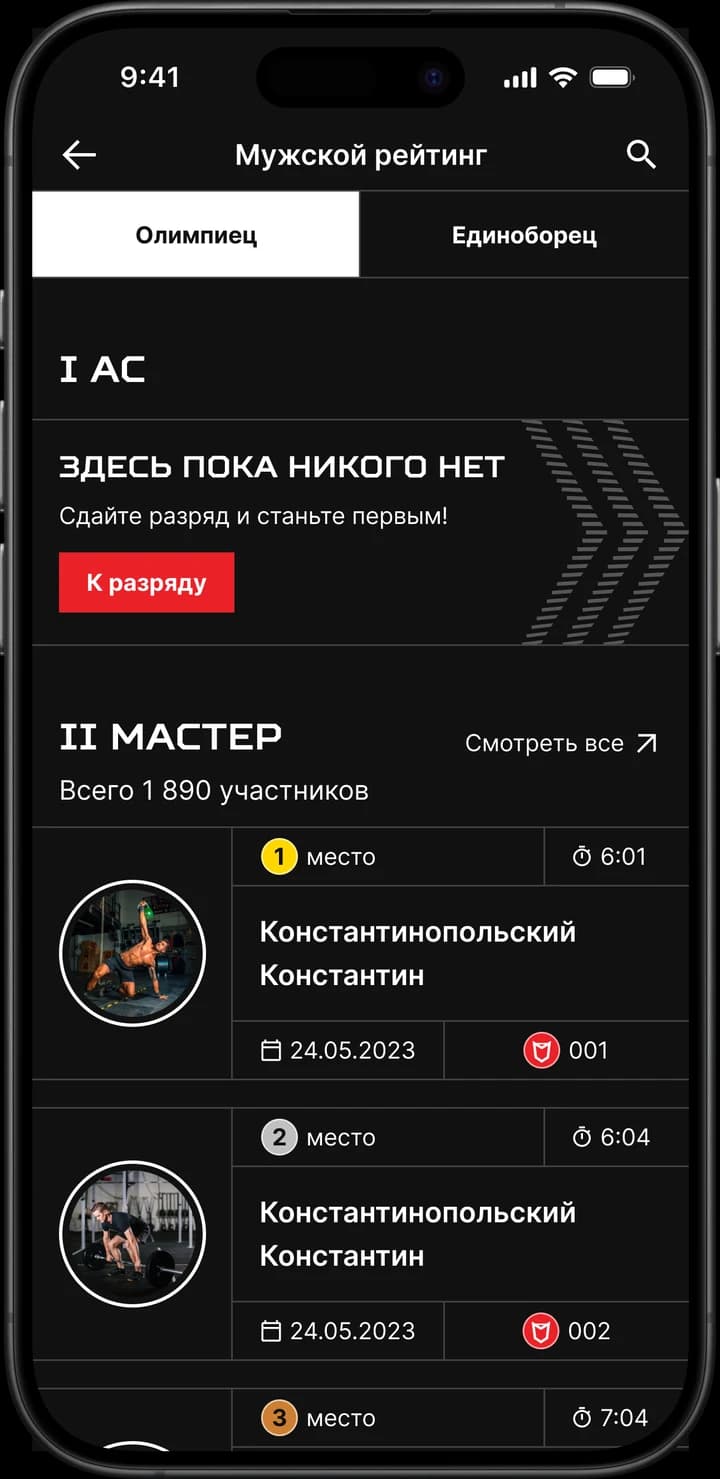
The rating is built by rank and category, with separate men's and women's standings and search by athlete. From the rating you can open a public profile with achievements and ally rank.
Athletes Academy app screen
In the admin panel we made room for
  • Reviewing rank submissions with the submitted video
  • Managing the catalogue of categories, ranks and exercises
  • Running athlete verification
  • Handling physical awards and delivery addresses
  • Managing content and role-based access

The moderator handles submissions in one place: watching the video, confirming or rejecting the rank and tracking the awards.

Release
The release path was prepared alongside development: signing the Android build, developer accounts in the stores and tracks for testers. The Android version went out on Google Play, starting with a closed testing track.
Support and follow-up work
After the release we ran three months of free technical support. Bugs were tracked in a spreadsheet shared with the client: every entry moved through reviewing → in development → testing → acceptance, and the client closed it once the new build was out. In parallel we put together estimates for follow-up work and shipped it in priority queues — from the high-priority bugs down to the rest of the backlog.
Results
Result
The client has two mobile apps and an admin panel covering the full cycle: the athlete submits a rank on video, the moderator reviews it, and the athlete gets an achievement, a physical award by post and a place in the overall rating. The project is still running: the team handles technical support and ships follow-up work in queues against agreed estimates. The project team is a project manager, a business analyst, a backend developer, an Android developer and a frontend developer for the admin panel. Technologies: iOS and Android mobile apps, a backend with a REST API, and a web admin panel.