

Evgeny Ramazanov
CTO
Reading time: ~ 9 min
01.10.2024
Evgeny Ramazanov·CTO·Reading time: ~ 9 min·01.10.2024
What is a website: concept, functions, and importance on the internet in simple terms
A website is a digital space made of linked web pages available on the internet. We explain how sites work, what they consist of, common types, and why they matter for business and personal brands.
Definition of a website
There is probably no one left who needs an explanation of what a website is. But if such a person still exists and decided to visit our website, here is a definition from Google:
A website is a digital space consisting of one or more linked web pages available on the internet.
Now everyone knows for sure.
While websites used to include personal blogs, today that role has largely moved to social networks, and websites are used mainly by businesses.
A business creates its website with a specific goal — to present information about its products and services to potential customers. A unique brand style and URL help distinguish the site from many others.
In the modern world, websites remain key for business: for people they are a source of information and a channel for interacting with companies; for businesses they are a battle for search rankings with competitors, which determines whose funnel will capture target traffic that converts into leads.
What a website is and how it works
A website is like a virtual storefront on the internet that is open around the clock and accessible from anywhere in the world. It works through interaction with a server that stores all site data: pages, images, scripts, and more. When a user enters a site address (domain name) in the browser, a request is sent to the server, data is processed, and pages load on the user's device.
It is important to understand that a website is not just a set of static pages. Today they include interactive elements such as forms, video, and dynamic content updates. Functionality depends on the chosen technologies — the more features you need, the more complex the site architecture becomes.
Key terms related to websites
Domain
A unique site address on the internet (for example, profsoft.ru). It is linked to the server's IP address but is easier for people to use.Hosting
A service that provides space on a server to store site files. Without hosting, your site will not be available on the internet.Server
A powerful computer that stores site files. It processes user requests and sends data to their devices.CMS (content management system)
Software that simplifies creating and editing websites without programming knowledge.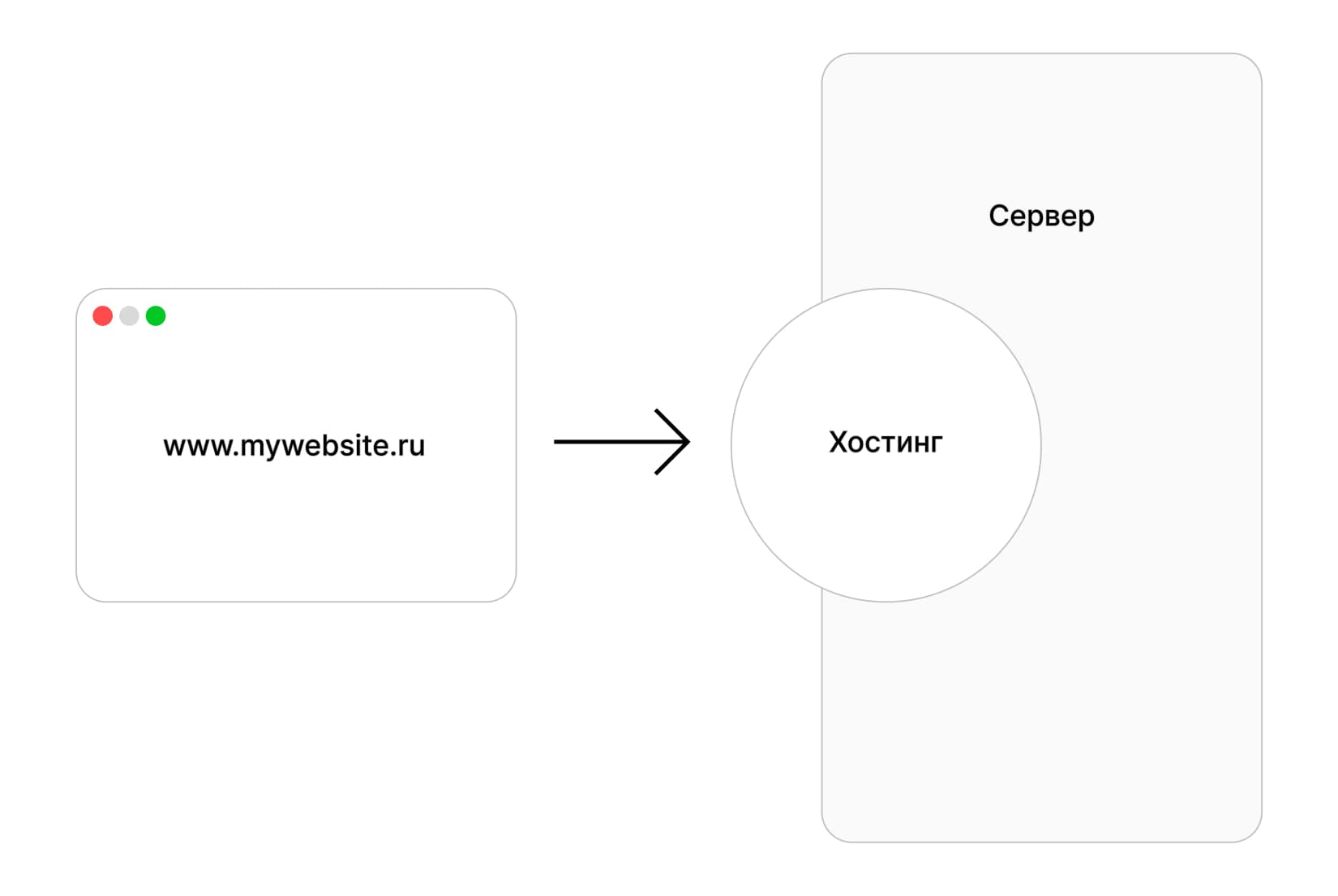
Key components of a website
Page structure and navigation
Every site consists of web pages that can be linked through hyperlinks. Pages form the site structure, often organized as a menu for easy navigation. The home page is the entry point where the user starts interacting with the site. Navigation to relevant pages must be intuitive, otherwise users may lose interest and leave without finding what they need. There are also landing pages — single-page sites with one specific goal: sell a product or collect leads. They have one main page built in a structure where the user always reaches a lead capture form. Landing structure is simplified for users, and content focuses on a single goal.Design and user interface (UI/UX)
A site's appearance (UI — User Interface) and ease of use (UX — User Experience) play a key role in keeping users on the site. Design elements — buttons, color palette, fonts, and images — should be harmonious and easy to perceive. Design is always created with the target audience and product specifics in mind. An eco-friendly home goods store in red and black would feel odd. An event agency targeting heavy industry clients would not benefit from a pink-and-lime site with cartoon animations. Good UX design makes a site simple and convenient, increasing the chance of longer engagement. Modern sites are built for different devices (computers, tablets, phones) — adaptive design. Poor mobile display hurts user experience and leads to lost customers and reputation damage. Navigation remains the core of user experience. Your site is not the first one users see — years of interface habits teach them how to go back and that three lines in the corner mean the main menu. Before designing an interface, a good UI/UX designer maps the user journey and defines key scenarios. An excellent designer also runs interface research to be sure.Technologies and scripts
Various programming languages and scripts are used to build a website, such as:- HTML — the foundation of any web page, defining its structure.
- CSS — responsible for appearance, including colors, fonts, and element sizes.
- JavaScript — adds interactivity: animations, dynamic updates, contact forms, and more.
- PHP, Python, Ruby — server-side languages for processing data, working with databases, and building complex web applications.
Server side and databases
The server side handles site logic and database interaction. When you enter login and password, the server checks them in the database and decides whether to grant access or show an error. Databases store user data, e-commerce products, blog content, and more. Popular options include MySQL, PostgreSQL, and MongoDB. Proper database organization helps make a site fast and reliable.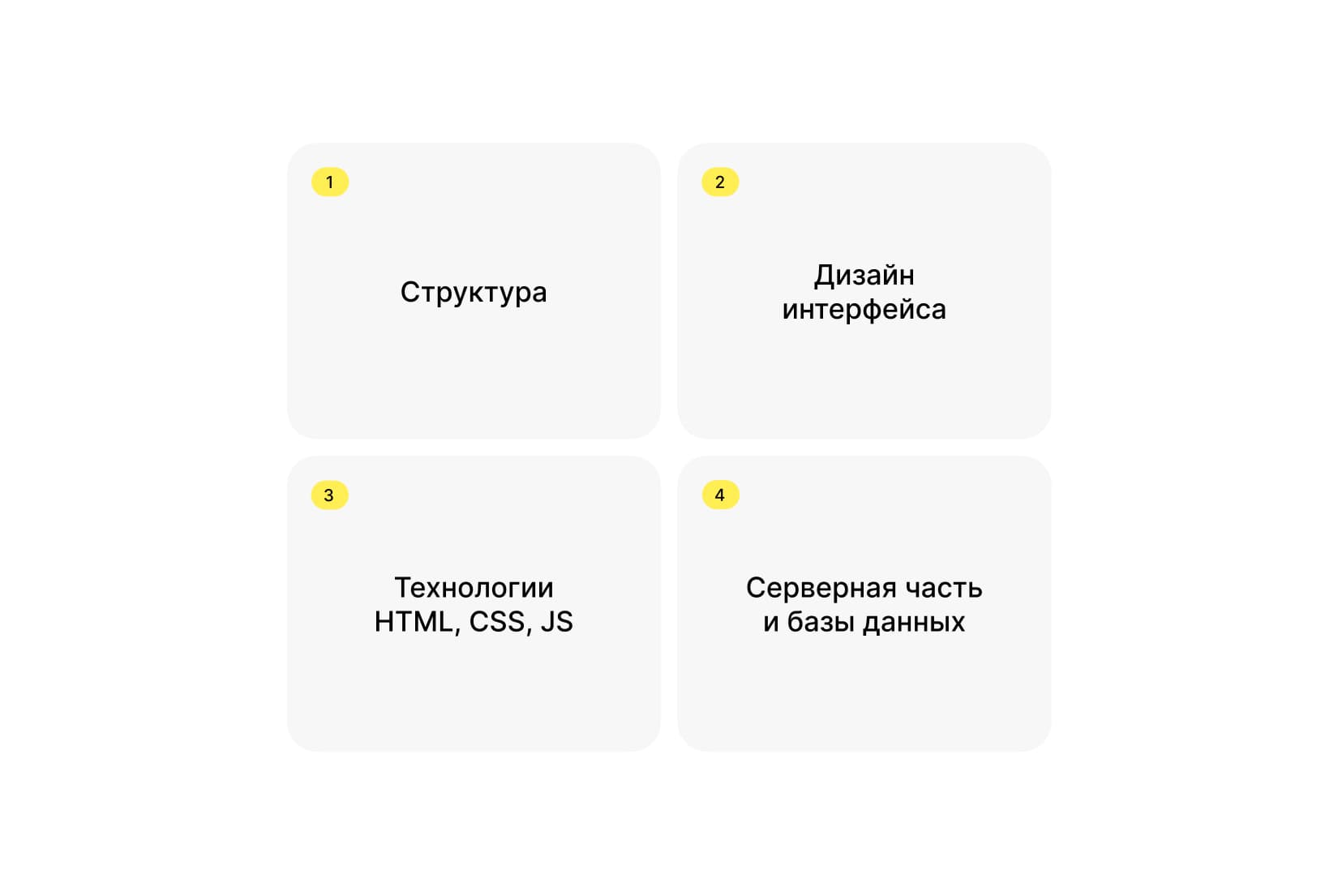
Types of websites
Business card site
A small site with basic information about a person, company, or service. Often includes pages about the company, services, and contacts. The main goal is to present yourself online briefly and clearly.Online store
Sites for selling products or services. Key elements include a product catalog, shopping cart, payment system, and delivery. Successful stores have simple navigation so buyers can find products easily. At the same time, the catalog needs flexible, rich filters — which complicates the interface but simplifies search for users.Blog
A collection of articles or posts on various topics. The main goal is free information exchange with readers. Popular bloggers use their sites as ad space: earning from ads and selling their own products or services.Educational platform
Sites that provide access to courses, lectures, and learning materials. They may include tests, assignments, video lectures, and support online learning.Corporate website
Presents a company online. Usually includes information about activities, news, services, and contacts. Corporate sites build brand reputation and support interaction with clients and partners.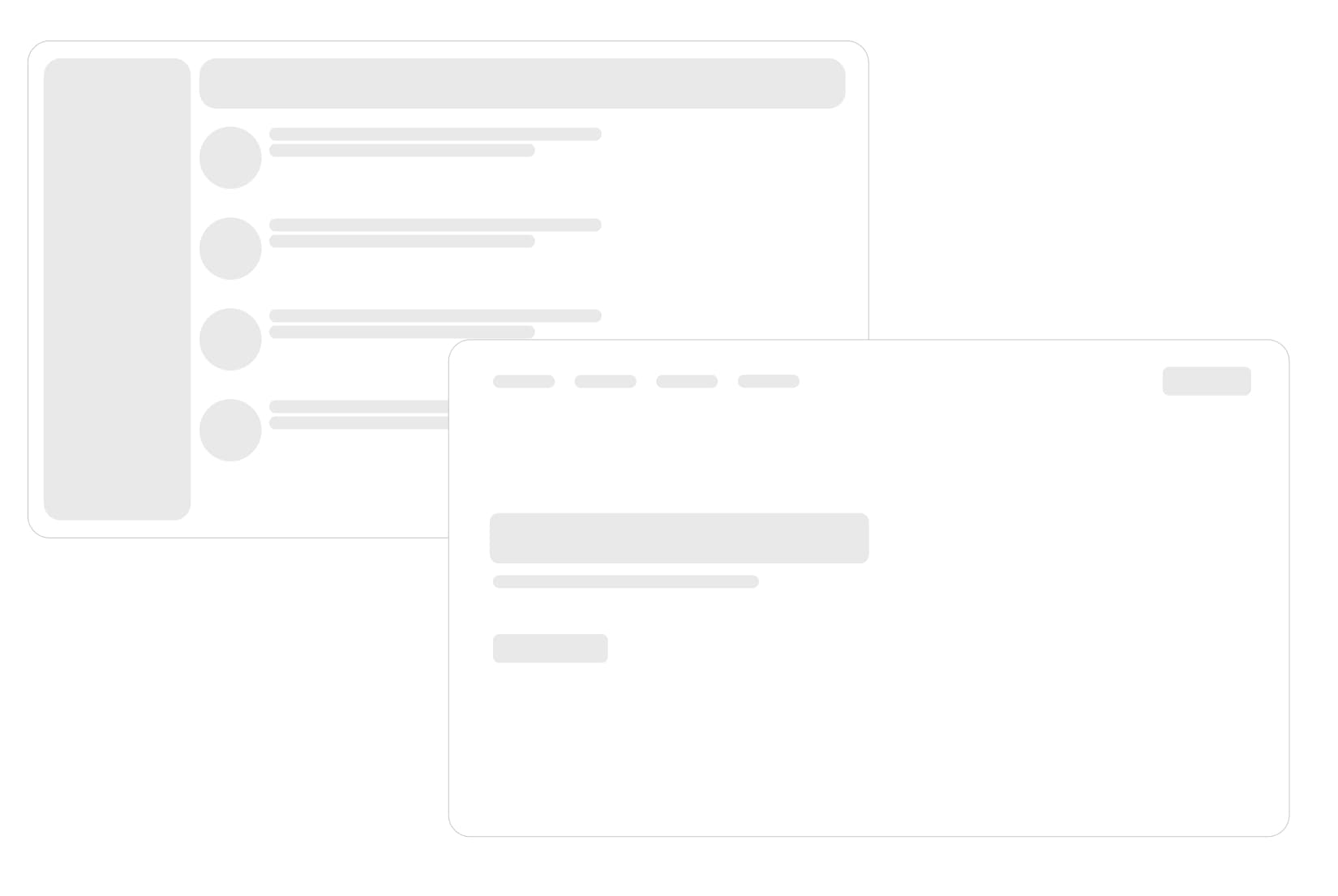
What a website consists of
Code and programming languages
Every site is built on code written in programming languages. HTML forms page structure, CSS handles styling, and JavaScript adds interactivity. More complex sites use server-side languages and databases for dynamic content.Domain and hosting
A domain is the unique address users can find your site by. Hosting provides space on a server to store site files. Without both, a site cannot exist.Functionality and design
Functionality is everything a site can do — from displaying information to online purchases or user registration. Design makes the site visually appealing and easy to use.How a website works
Interaction with the server
When a user enters a site address in the browser, a request is sent to the server where site files are stored. The server processes the request and returns web pages displayed on the user's screen.How user requests are processed
Whenever a user interacts with a site — clicks a button or submits a form — the server receives a request, processes it, and sends back a result. This happens in fractions of a second, making the site feel interactive and responsive.Impact of speed and security
Load speed matters greatly for users. Faster sites mean better experience; slow sites lose customers and hurt business. The bounce rate metric is used by Google and Yandex for site analytics and ad campaigns. A bounce is counted when a user leaves within 20 seconds. Lower bounce rate is better; slow page load is often the main cause of high bounce rates. Security also matters: protecting user data, secure connections (SSL), and protection from attacks build trust and keep users safe.How to create a website
Planning and defining the goal
Before building a site, define its goal. Will it be a simple blog, online store, or corporate portal? A clear goal helps you choose technologies, describe structure, and plan the work in detail.Choosing a platform: CMS or online builder
If you do not want to handle development yourself, hire a contractor. If you want to build it yourself, you can use a CMS (e.g. WordPress) or an online builder (e.g. Tilda). CMS offers more customization and scaling but requires basic web development knowledge. Builders are easier but more limited.Steps to build a website yourself
- Define the site's goal and audience.
- Choose a domain and hosting.
- Install a CMS or choose an online builder.
- Create the site structure.
- Write content and add media files.
- Optimize the site for SEO.
- Test the site on all devices and browsers.
Why a website matters for business and personal brand
Main functions of a website
A website is not just an online business card. It can sell products, inform customers, collect contacts, and even provide technical support. A website is the center of your digital ecosystem.How a website helps promote business
A site lets companies announce themselves online, reach a wider audience, and increase sales. It builds customer trust by providing information about products and services and enables easy interaction through contact forms or live chat.Conclusion
A website is an essential part of modern life for both business and personal brands. It is a powerful tool for interacting with customers, promoting products and services, and building reputation online. Creating a quality website takes time, resources, and knowledge, but the result is worth the effort.